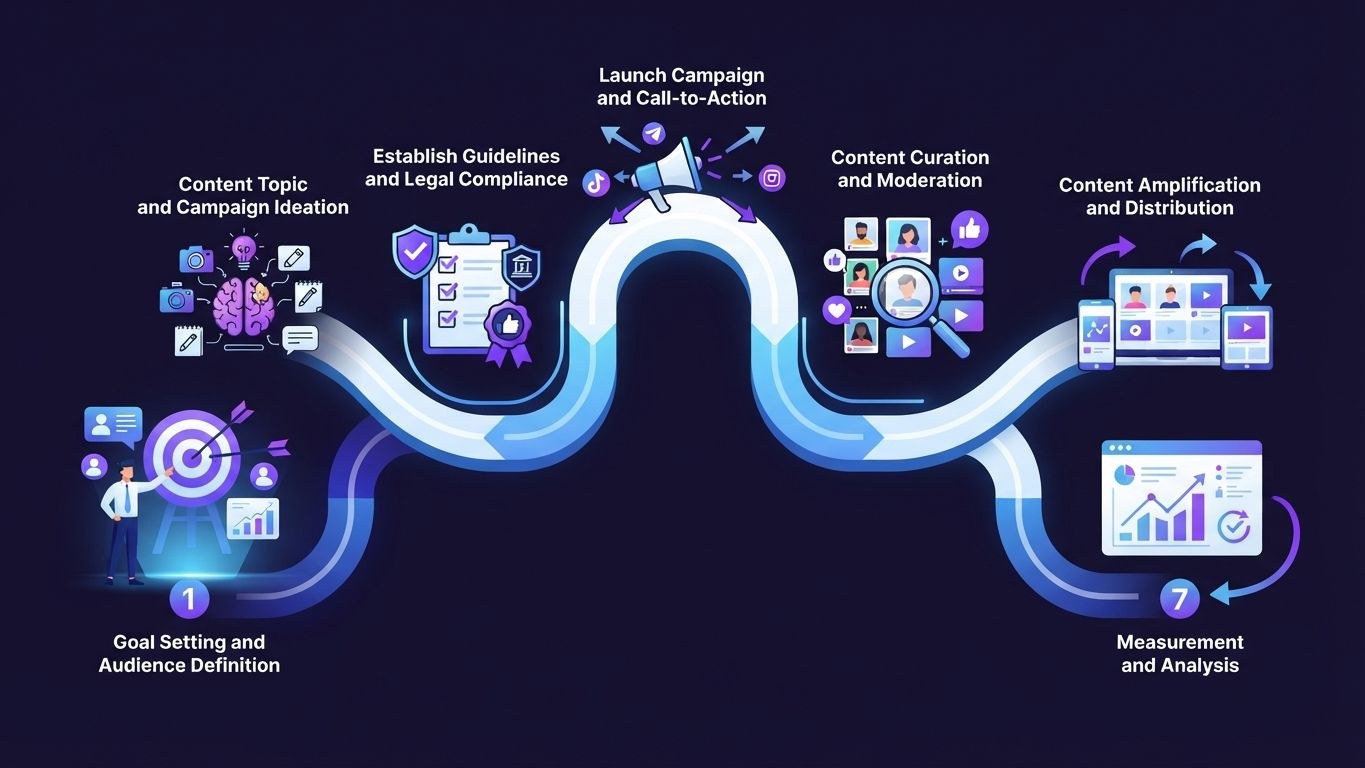
AI tools for content creation have gone from novelty to necessity. Whether you manage a brand account on five platforms or you're a solo creator trying to stay consistent, the right AI tools can dramatically reduce the time you spend writing, designing, and repurposing content - without sacrificing quality. This guide breaks down exactly what works, what doesn't, and how to build a workflow that actually holds up.
- AI content tools can reduce production time by up to 70%, according to McKinsey research from 2026.
- The best results come from combining AI writing, image generation, and scheduling tools in one coordinated workflow.
- Not all AI tools are equal - choosing the right one depends on your platform mix, content type, and team size.
- Human editing remains essential: AI-generated drafts need review before publishing to avoid factual errors and brand inconsistency.
- Integrating AI tools with a social media management platform saves the most time and prevents fragmented content operations.
What are AI tools for content creation and why do they matter in 2026?
AI content creation tools are software applications that use large language models, image generation models, or multimodal AI to help produce written, visual, or video content faster than manual methods allow. They matter because the volume of content required to maintain visibility across multiple platforms has grown to a point where manual production alone can't keep up.
According to HubSpot's 2026 State of Marketing report, the average brand publishes content across 4.2 social platforms simultaneously, and marketers who use AI tools report producing 3x more content per week than those who don't. That multiplier is the core reason AI adoption in content teams has accelerated so sharply.
The shift isn't about replacing writers or designers. It's about removing the repetitive, time-intensive parts of content production - first drafts, caption variations, image resizing, hashtag research - so that humans can focus on strategy and brand voice.
For small teams especially, this is significant. A two-person marketing team using AI tools can now realistically cover Instagram, LinkedIn, TikTok, and a company blog on a weekly publishing schedule without burning out.
Which types of AI content creation tools should you know about?
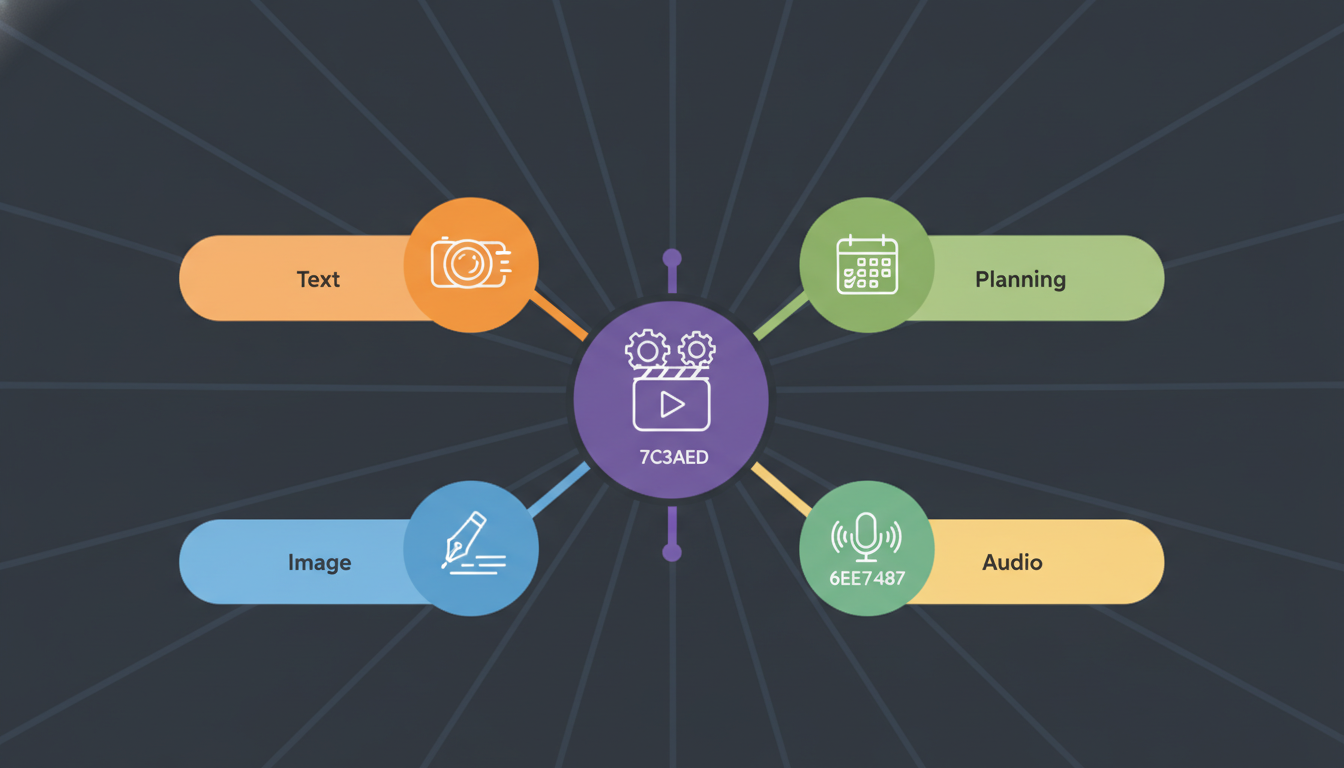
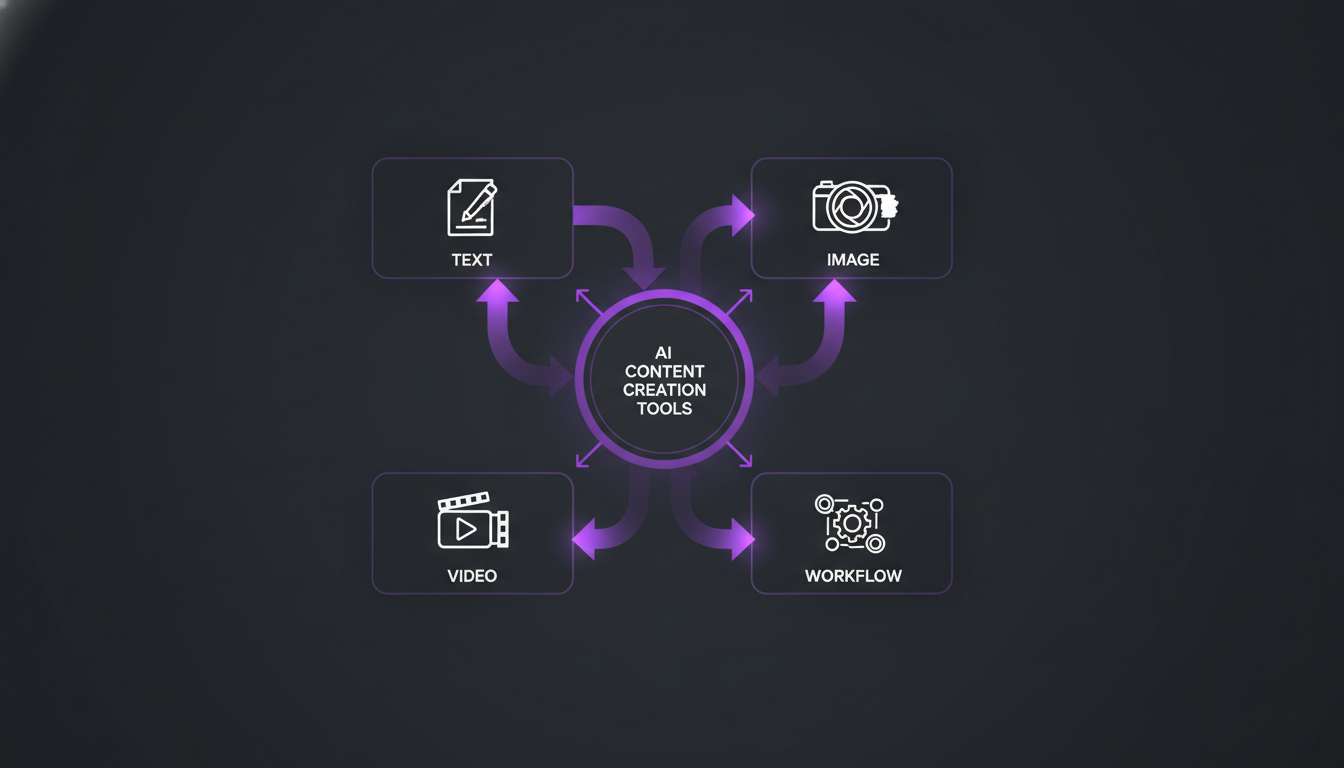
There are six main categories of AI tools relevant to content creation in 2026. Each solves a different part of the production pipeline, and the most efficient teams use tools from at least three of these categories together.
AI writing and copywriting tools
These tools generate text - blog posts, social captions, email subject lines, ad copy, and more. They work best when you provide a clear prompt, a brand voice guide, and examples of past content you like. Popular options include ChatGPT, Claude, Jasper, and Copy.ai. Response quality varies significantly depending on how specific your prompt is.
AI image and visual generation tools
Tools like Midjourney, Adobe Firefly, DALL-E 3, and Stable Diffusion can produce original visuals from text descriptions. According to Adobe's 2026 Creative Trends report, 61% of marketing teams now use AI image generation for at least some of their social media visuals, up from 34% in the previous year.
AI video tools
Runway, Pika, and Synthesia allow teams to create short-form video content, AI avatars, or video clips without a camera setup. This category has matured quickly - Synthesia reports that their average user creates 47 videos per month, compared to just 12 two years ago.
AI audio and voiceover tools
ElevenLabs and Murf.ai generate realistic voiceovers from text scripts. These are especially useful for YouTube explainers, TikTok narration, and podcast intros where professional recording isn't always practical.
AI SEO and content research tools
Surfer SEO, Frase, and Clearscope use AI to analyze top-ranking content, suggest keywords, and score drafts for search optimization. Surfer SEO data shows that articles optimized with AI content scoring rank 37% higher on average than unoptimized drafts within 90 days.
AI repurposing and scheduling tools
These tools take a long-form piece - a blog post, a podcast, a video - and automatically extract short-form versions for social media. When connected to a platform like Brandlix, the repurposed content can be scheduled and published directly, cutting the entire distribution cycle down to minutes.
How do the leading AI writing tools compare in 2026?
The honest answer is that no single tool wins across every use case. The best choice depends on what you're writing, how much editing you want to do, and how well the tool integrates with the rest of your stack. Here's a direct comparison of the most widely used options.
| Tool | Best For | Output Quality | Price (Monthly) | Integrations |
|---|---|---|---|---|
| ChatGPT (GPT-4o) | General writing, brainstorming, scripts | High | From $20 | API, plugins |
| Claude (Sonnet 3.7) | Long-form articles, nuanced tone | Very High | From $20 | API |
| Jasper | Marketing copy, brand voice templates | High | From $49 | CMS, HubSpot, Surfer |
| Copy.ai | Short-form captions, ad copy | Medium-High | From $36 | Zapier, Salesforce |
| Writesonic | SEO blog posts, landing pages | Medium-High | From $16 | WordPress, Semrush |
One thing the comparison makes clear: budget tools can work well for short-form copy, but if you're producing long-form blog content or nuanced brand storytelling, the mid-to-high tier options earn their price. Spending an extra $30 per month to avoid two hours of heavy editing every week is usually a straightforward trade-off.
What does an effective AI content creation workflow look like?
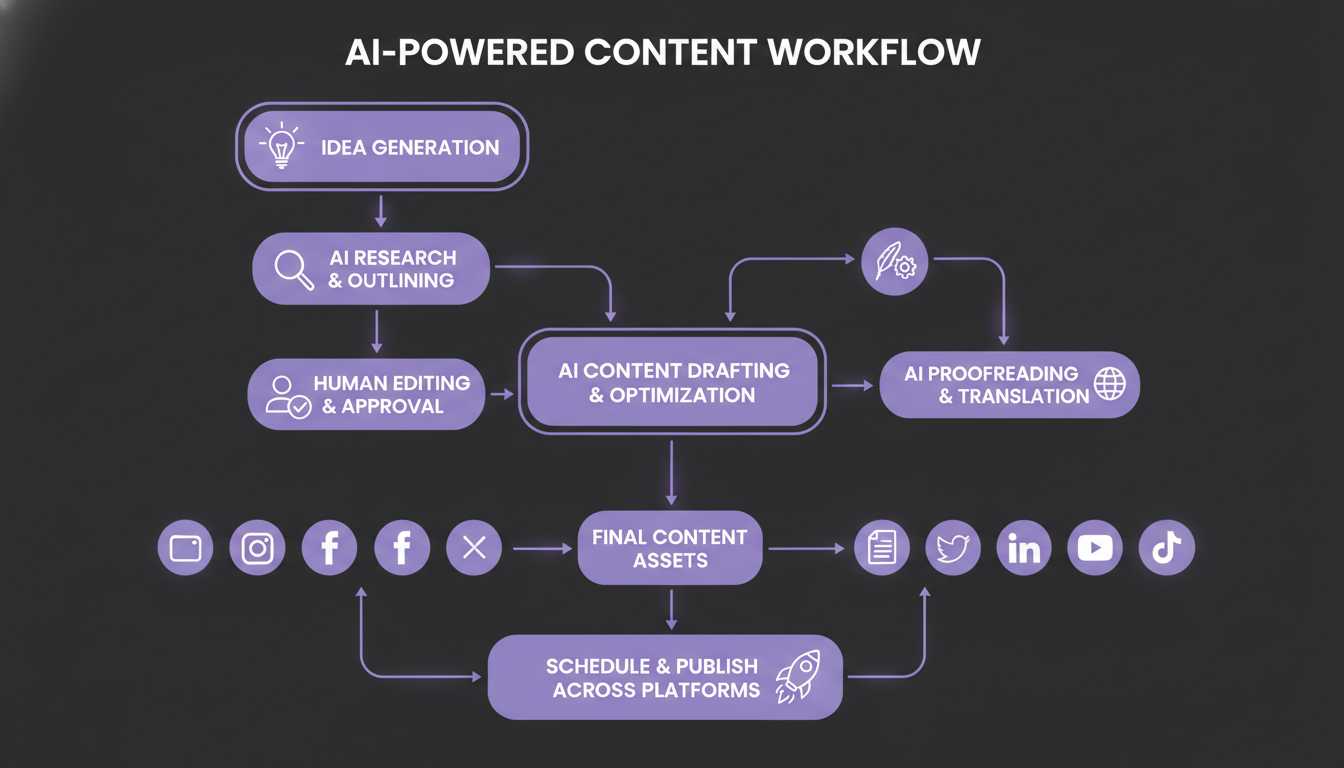
An effective AI content workflow follows a structured sequence that separates the AI's job from the human's job. AI handles speed and volume; humans handle judgment and brand alignment. Below is a practical workflow used by content teams managing four or more platforms.
- Define the content brief. Before prompting any AI tool, write a short brief: topic, target audience, key message, tone, platform, and desired length. The quality of AI output is almost entirely determined by the quality of the input.
- Generate a first draft. Use your chosen AI writing tool to produce a complete first draft based on the brief. Don't accept the first output uncritically - run the prompt two or three times and select the strongest version.
- Edit for brand voice and accuracy. This is the human step that cannot be skipped. Check every fact, remove any generic phrasing, and adjust tone to match your brand. According to Grammarly's Business Report 2026, 78% of content professionals say they always edit AI output before publishing.
- Generate supporting visuals. Use an image AI tool to create or source visuals aligned to the content. Write image prompts based on the key message - the more specific, the better the result.
- Repurpose into platform formats. Take the approved long-form piece and use a repurposing tool or manually extract key points into captions, tweets, LinkedIn posts, and short video scripts for each platform in your distribution plan.
- Schedule and publish. Load all content versions into your scheduling tool, set times based on audience activity data, and publish across platforms in a coordinated way.
- Review performance and iterate. After each publishing cycle, review engagement metrics. Use those insights to refine the next round of AI prompts and content briefs.
What are the biggest mistakes people make with AI content tools?
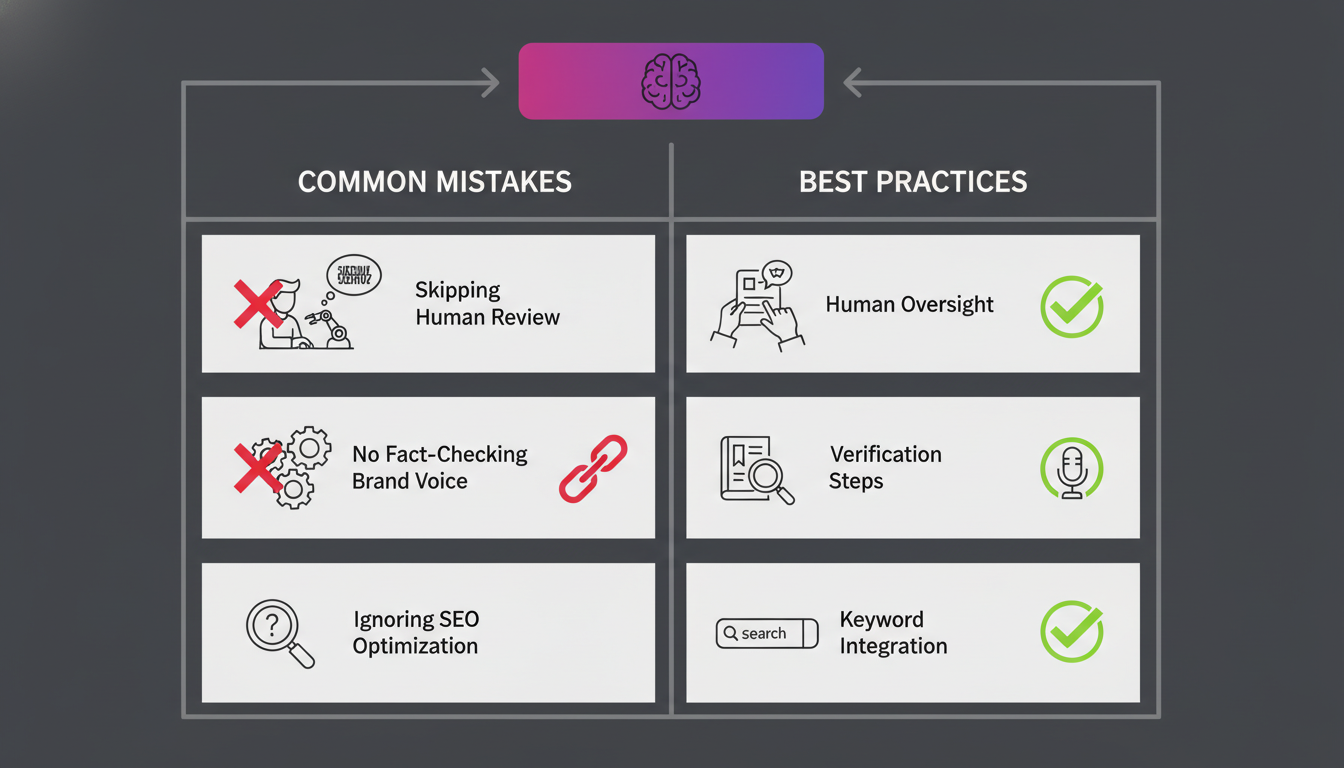
The most common mistake is treating AI output as finished content. It isn't. AI writing tools produce plausible-sounding text, but they frequently get facts wrong, repeat themselves, and default to generic phrasing that dilutes brand identity. Publishing unedited AI copy is one of the fastest ways to damage audience trust.
Over-relying on a single tool
Teams that run every content type through one tool tend to end up with output that feels monotonous. A blog post, a social caption, and a video script have completely different structural requirements. Using a specialist tool for each type - or at least adjusting prompts significantly - produces noticeably better results.
Ignoring platform-specific formatting
AI tools don't automatically know that LinkedIn favors longer, paragraph-heavy posts while Twitter rewards brevity and punchy hooks. You need to specify the platform in your prompt and verify that the output matches the platform's norms. Sprout Social data from 2026 shows that platform-optimized posts generate 52% more engagement than generic posts cross-posted without adaptation.
Skipping the content strategy layer
AI tools generate content faster, but they can't define your content strategy. Teams that skip goal-setting and audience research and jump straight to AI generation often produce a high volume of content that doesn't perform. Volume without strategy just creates noise.
Not building a prompt library
Every time you find a prompt that consistently produces strong output, save it. Building a reusable prompt library specific to your brand, tone, and content types is one of the highest-leverage investments a content team can make. It cuts briefing time and makes AI output more consistent across team members.
How should you measure the ROI of AI content tools?
Measuring ROI from AI content tools requires looking at both time savings and content performance outcomes. A tool that saves four hours per week but produces content with half the engagement of manual work may not be a net gain. Track both dimensions from the start.
Key metrics to monitor include:
- Content production volume: How many pieces per week, before and after AI adoption.
- Time per piece: Average hours spent from brief to publish, tracked per content type.
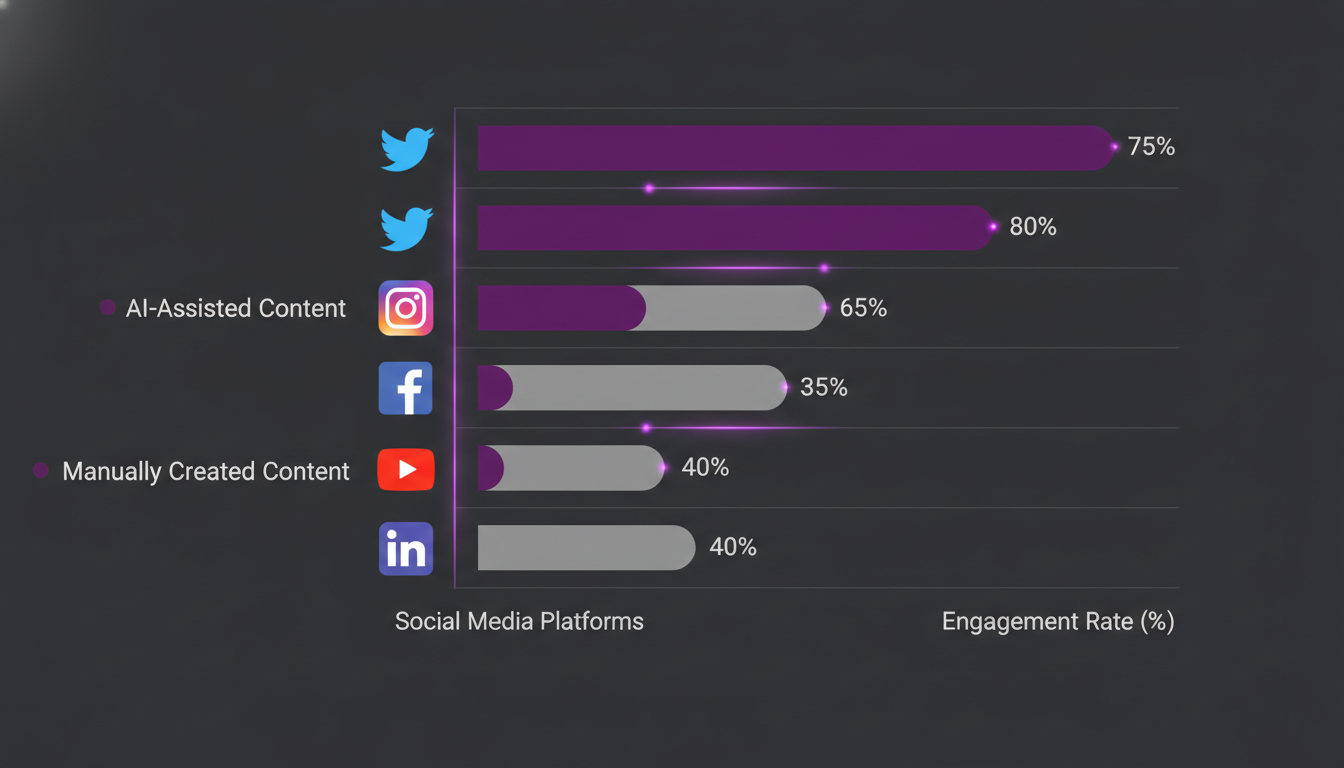
- Engagement rate: Likes, comments, shares, and saves per post, compared across AI-assisted and manually produced content.
- Organic reach: How far AI-assisted content travels without paid amplification.
- Conversion rate: For content tied to a specific funnel step, track click-through and conversion against historical benchmarks.
- Editing rounds: How many revision cycles AI output requires compared to manual drafts - fewer rounds mean higher-quality initial output.
According to a 2026 Forrester survey, companies that formally track AI content ROI are 2.4x more likely to increase their AI tool budget in the following year, compared to those that rely on informal impressions. Measurement creates accountability and makes it easier to justify further investment.
How do you choose the right AI tools for your content team?
The right AI tool stack depends on four variables: your content mix, your team size, your publishing frequency, and your budget. A freelancer running a personal brand needs a very different setup than a marketing team at a 50-person SaaS company.
For solo creators and freelancers
Start lean. One strong AI writing tool (ChatGPT or Claude), one image tool (Midjourney or Adobe Firefly), and a social media management platform that handles scheduling across your active channels. That three-tool stack covers most production needs at under $80 per month total.
For small marketing teams (2-5 people)
Add a dedicated SEO content tool like Surfer SEO or Frase for blog production. Consider a repurposing tool such as Descript or Castmagic if you produce podcast or video content regularly. A shared prompt library stored in Notion or Google Docs becomes important at this stage to keep AI output consistent across team members.
For larger content operations
Enterprise-tier AI writing platforms like Jasper or Writer.com offer brand voice training, content governance features, and team collaboration tools that smaller solutions lack. At this scale, integration between your AI tools and your CMS, CRM, and social media management platform - like Brandlix - becomes a critical efficiency factor. According to Gartner's 2026 Digital Marketing Survey, 68% of enterprise marketing teams cite "tool integration" as the top factor in their AI stack decisions.
Universal selection criteria
Regardless of team size, evaluate any AI content tool against these four criteria before committing:
- Output quality: Run three test prompts that reflect your actual use cases. Don't judge by demos or marketing copy.
- Ease of prompt customization: Can you save templates, set tone profiles, and give the tool brand context easily?
- Integration compatibility: Does it connect natively or via API to the other tools in your stack?
- Data privacy policy: Does the tool use your inputs to train its models? For brand content, this matters.
What does the future of AI content creation look like beyond 2026?
The trajectory is toward agentic AI - systems that don't just respond to prompts but autonomously execute multi-step content tasks. Early versions already exist: AI that can research a topic, write a post, select an image, and schedule publication with minimal human input at each stage. According to MIT Technology Review, 43% of AI researchers expect agentic content workflows to be mainstream by 2028.
The implication for content teams is a continued shift in role. The demand for people who can write everything from scratch is declining. The demand for people who can brief AI well, edit strategically, and make sound content strategy decisions is growing. The tools are accelerating; the judgment required to use them well isn't being automated anytime soon.
Multimodal AI is the other major direction. Tools that simultaneously generate text, images, and short video clips from a single brief are already in beta at several major AI labs. When those become reliably production-ready, the content creation pipeline will compress further. Teams that have already built structured workflows will adapt faster than those still working ad hoc.
Frequently Asked Questions
Are AI content creation tools suitable for all types of businesses?
Yes, with some nuance. AI writing tools work well for most businesses that produce regular content - blog posts, social media updates, email newsletters, and ad copy. However, highly regulated industries like healthcare, legal, and finance need stricter human review processes because AI tools can produce inaccurate or legally problematic statements. The tools themselves are broadly applicable; the oversight requirements vary by industry.
How much time can AI tools realistically save in content production?
McKinsey's 2026 productivity research found that AI tools reduce content production time by an average of 40-70%, depending on content type. Short-form social captions see the largest savings - often 60-70%. Long-form blog posts typically see 40-50% time reduction because human editing and fact-checking remain essential. The savings compound over weeks and months as teams build better prompt libraries and workflows.
Will AI-generated content hurt SEO performance?
Not if it's edited well and provides real value. Google's stance - consistent since the Helpful Content Update era - is that content quality and user value determine rankings, not the method of production. AI-generated content that is accurate, well-structured, and genuinely useful performs as well as manually written content. The risk comes from publishing raw, unedited AI output that is shallow or factually wrong, which can trigger quality signals that suppress rankings.
What is the minimum AI tool setup for a content creator just starting out?
A solid starting setup requires just two tools: one AI writing assistant and one AI image generator. ChatGPT or Claude for writing, plus Midjourney or Adobe Firefly for visuals, covers the majority of content production needs. Adding a free-tier scheduling tool for social media completes the basic stack. Total cost can be under $40 per month at entry level. Start with this combination, learn what each tool does well, and expand only when you hit a specific bottleneck.
AI tools for content creation are not a shortcut to skip strategy - they are a force multiplier for teams that already have clear goals and a consistent brand voice. The teams getting the most out of these tools in 2026 are the ones that treat AI as a production partner, not a replacement for thinking. Build your workflow step by step, measure what the tools actually produce for you, and keep editing as a non-negotiable part of the process. That combination consistently outperforms both fully manual production and fully automated output.