Facebook Groups for business are one of the most underused tools in social media marketing right now. While brands pour budgets into paid ads and chase algorithm changes on their Pages, a well-run Group quietly builds an audience that actually wants to hear from you. This guide covers everything - setup, growth, content strategy, and monetization - so you can get real results from your Group in 2026.
- Facebook Groups consistently generate higher organic reach than Business Pages, making them a cost-effective community channel.
- Choosing the right Group type (Public, Private, or Hidden) shapes your growth strategy from day one.
- A structured content rhythm - questions, resources, member spotlights, and promotions - keeps engagement high without burning out your team.
- Group Insights give you actionable data on peak activity times, top contributors, and content performance.
- Connecting your Group to your broader content calendar turns community management from a chore into a scalable system.
What Makes Facebook Groups Valuable for Businesses in 2026?
Facebook Groups deliver organic reach that Business Pages rarely match. Posts inside a Group land directly in the feeds and notifications of members who opted in - no pay-to-play required. That is the core advantage: you are talking to people who raised their hand and said they want to hear from you.
Facebook has more than 3 billion monthly active users, and over 1.8 billion people use Facebook Groups every month. More importantly, Groups with active moderation and consistent posting often see far more interaction than equivalent Page posts. That gap matters when you are trying to build a real relationship with an audience rather than just broadcasting content into the void.
Beyond reach, Groups create a feedback loop that is genuinely hard to replicate anywhere else. Members ask questions, share results, and tell you what they actually need. That data is more valuable than most paid research.
Groups vs. Pages: What Is the Real Difference?
A Facebook Page is a broadcast channel. A Group is a two-way conversation. Pages are best for brand visibility and advertising. Groups are best for community, retention, and trust-building. Most businesses need both, but if you only have bandwidth for one right now, a Group will generate more organic interaction per hour of effort invested.
| Feature | Facebook Page | Facebook Group |
|---|---|---|
| Organic reach | Low (a small share of followers) | Higher (notifications + feed priority) |
| Primary purpose | Brand awareness, advertising | Community, engagement, retention |
| Member-generated content | Limited | Central to the experience |
| Advertising capability | Full ad targeting | No direct ads |
| Analytics depth | Page Insights (broad) | Group Insights (member behavior) |
| Algorithm dependency | High | Lower (notification-driven) |
| Moderation effort | Low | Medium to high |
How Do You Set Up a Facebook Group for Your Business?
Setting up a Group takes under 10 minutes, but the decisions you make during setup shape everything that follows. Get the fundamentals right before you invite a single member.
- Choose your Group type. Public Groups are discoverable in search and anyone can see the posts - good for top-of-funnel awareness. Private Groups require approval to join and posts are only visible to members - better for paid communities or loyal customers. Hidden Groups do not appear in search at all - best for internal teams or exclusive cohorts.
- Write a clear Group name. Include what the Group is about and who it is for. "Digital Marketing Tips for Freelancers" converts better than "Marketing Community." Aim for 5 to 8 words that a non-member would immediately understand.
- Craft your Group description. This is your pitch to potential members. State who the Group is for, what they will get out of it, and what the rules are. Keep it under 300 words and use bullet points for the key benefits.
- Set your membership questions. Facebook allows up to 3 questions before someone joins. Use them. Ask for their email address (with consent), their biggest challenge, or why they want to join. This doubles as a lead capture mechanism.
- Write your Group rules. Clear rules reduce moderation headaches dramatically. Most successful business Groups have 5 to 8 rules covering spam, self-promotion, respectful discussion, and what types of content are welcome.
- Link your Group to your Facebook Page. This connects your brand identity to the community and makes it easier for Page followers to find and join the Group.
- Create a pinned welcome post. Before you invite anyone, draft a pinned post that introduces the Group, explains what to expect, and asks members to introduce themselves. This post does a lot of heavy lifting for free.
What Content Works Best in a Business Facebook Group?
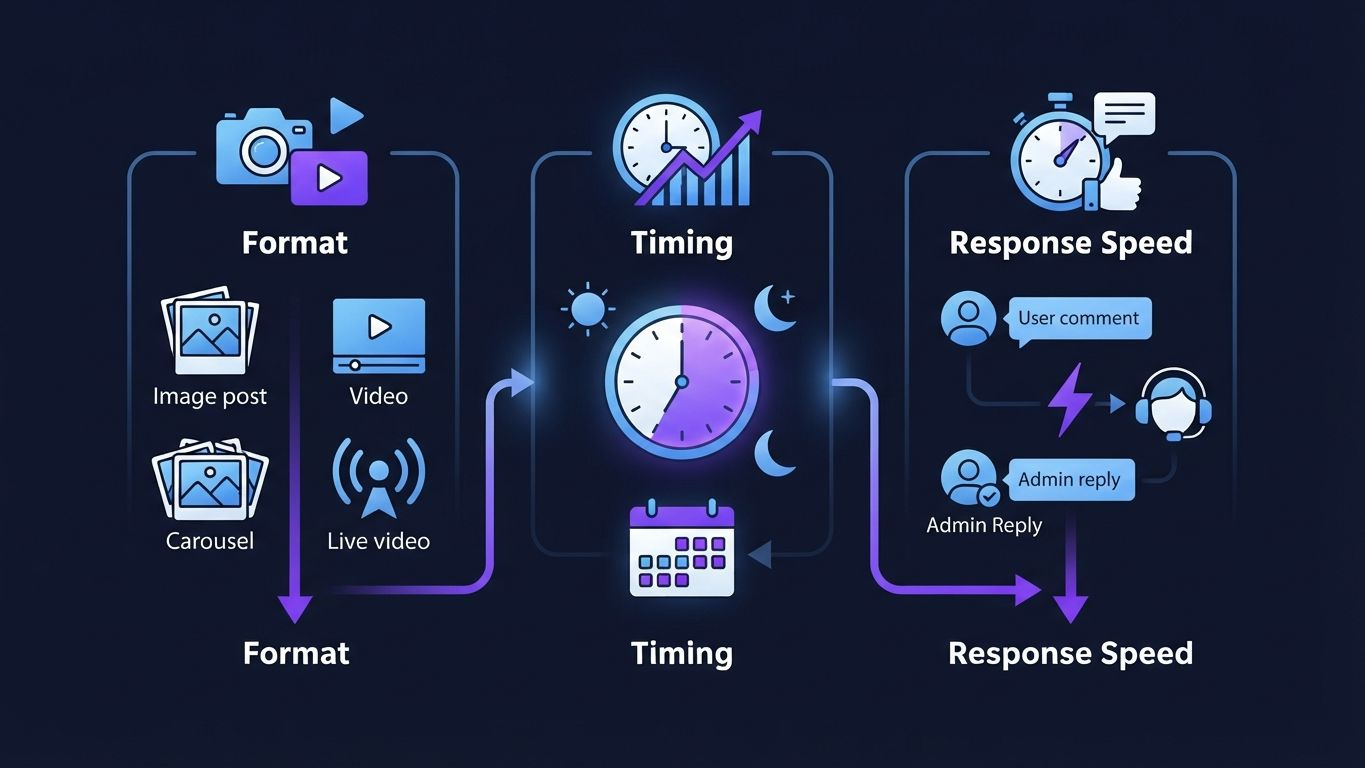
The content types that drive the most engagement in business Groups are questions, practical resources, member spotlights, and behind-the-scenes posts - in roughly that order. Promotional content should make up no more than 20% of your posting schedule, or members tune out fast.
A practical content rhythm for a business Group looks like this: post 4 to 6 times per week, rotate through different content categories, and prioritize posts that invite a response rather than posts that just deliver information. The goal is conversations, not impressions.
The Five Content Categories That Drive Group Engagement
- Questions and polls. "What is your biggest challenge with X right now?" or a simple poll with 3 options. These are the fastest way to spike comment counts and surface real audience insights.
- Practical resources. Templates, checklists, short tutorials, or curated links that members can use immediately. Resources that save time get shared and tagged more than any other format.
- Member spotlights. Feature a member's win, project, or story. It rewards participation, builds social proof, and costs nothing except a few minutes of research.
- Behind-the-scenes content. Show how your product is built, how your team works, or what went wrong and what you learned. Authenticity drives comment threads that generic brand posts never do.
- Weekly themed posts. "Monday Motivation," "Wednesday Q&A," or "Friday Win of the Week" gives members a predictable rhythm and makes moderation easier because the format is set in advance.
How Do You Grow a Facebook Group from Zero to Engaged?
The fastest way to grow a Facebook Group is to seed it with 20 to 30 engaged members before you go public, then use multiple channels simultaneously to drive join requests. A Group with zero members repels people. A Group with 50 active members attracts them.
Phase 1: Seed the Group (Week 1-2)
Invite your 20 to 30 most loyal customers, newsletter subscribers, or colleagues. Ask them directly - a personal message converts far better than a broadcast announcement. Post 3 to 5 times before any new members arrive so the Group looks alive. Pin your welcome post. Set the tone you want the whole community to reflect.
Phase 2: Announce and Invite (Week 3-4)
- Email your subscriber list with a clear value proposition for joining the Group.
- Add a Group invite link to your email signature and website footer.
- Post about the Group on your Facebook Page and other social channels once or twice.
- Mention the Group in any webinars, podcasts, or live events you participate in.
- Ask founding members to invite one person they think would benefit.
Phase 3: Sustainable Growth (Month 2 onward)
Consistent activity is the growth engine for Groups - not one-time promotion bursts. Groups that post daily for 90 days straight can see compounding growth because Facebook's algorithm surfaces active Groups to related audiences. Cross-posting high-performing Group content to your Page (with member permission) also drives discovery.
Using a social media content calendar to plan your Group posts alongside your other channels prevents the "I forgot to post today" problem that kills Group momentum in the first 60 days.
How Should You Moderate a Business Facebook Group?
Moderation is the difference between a thriving Group and a spam-filled ghost town. Good moderation is not about being strict - it is about being consistent and setting expectations clearly from the start.
Assign at least two moderators if your Group grows past 500 members. Solo moderation of a large Group leads to burnout within months. Facebook's built-in moderation tools - keyword alerts, post approval queues, member activity reports - handle most of the routine work automatically once configured correctly.
Moderation Best Practices
- Respond to every new member's first comment within 24 hours. This single habit helps new members stick around.
- Remove spam immediately and without explanation. Tolerating even a few spam posts signals to all members that the Group is not maintained.
- Use the "decline and block" feature for join requests that look like spam accounts - it prevents re-requests without manual follow-up.
- Pin a monthly "rules reminder" or community update so long-term members do not forget the Group guidelines.
- Create a moderation log (even a simple spreadsheet) so your team handles similar situations consistently.
How Do You Monetize a Facebook Group Without Alienating Members?
Monetizing a Group works when the offers feel like a natural extension of the community's purpose, not interruptions. The 80/20 rule applies here: 80% of your posts should provide free value, and 20% can include promotions, offers, or product mentions.
There are several monetization models that business Groups use successfully:
- Lead generation. Use the Group as a top-of-funnel channel. Members who engage regularly are warm leads. Offer a free resource (template, mini-course, audit) in exchange for an email address, then nurture through your regular sales funnel.
- Exclusive product access. Offer Group members early access, member-only discounts, or beta testing opportunities. This rewards loyalty and drives purchases without feeling pushy.
- Paid Group tiers. Facebook's Subscription Groups allow you to charge a monthly fee for premium access. This works well for coaches, consultants, and educators with a proven free Group already running.
- Webinars and live events. Host regular free live sessions inside the Group, then offer paid advanced workshops or courses to interested members. Live content also spikes Group activity metrics, which improves algorithmic visibility.
- Affiliate and partner offers. If you have partners whose products genuinely help your members, structured (transparent) promotions can generate revenue while adding value - as long as the relevance is obvious.
How Do You Track Facebook Group Performance With Analytics?
Facebook's Group Insights panel gives you the core metrics you need: total members, growth rate, active members over 28 days, top posts by engagement, and peak activity times. Check these numbers weekly, not daily - daily fluctuations are noise. Weekly trends are signal.
The three metrics that matter most for a business Group are:
- Monthly active members as a percentage of total members. If that share keeps falling, your content mix needs a rethink.
- Post engagement rate. Track likes, comments, and shares per post relative to your active member count. Falling engagement over 4 to 6 weeks is an early warning signal.
- New member growth rate. Consistent week-over-week growth (even 2 to 5% per week) compounds significantly over a year. Flat or negative growth for more than 3 weeks signals a distribution problem.
For teams managing multiple social channels at once, tools like Brandlix's social media analytics dashboard let you track your Page and other platform metrics next to your Group Insights so you can compare effort-to-return across channels in one place.
You can also use Brandlix's best-time-to-post tool as a starting point, then check it against the peak activity times in your Group Insights.
How Does a Facebook Group Fit Into Your Broader Social Media Strategy?
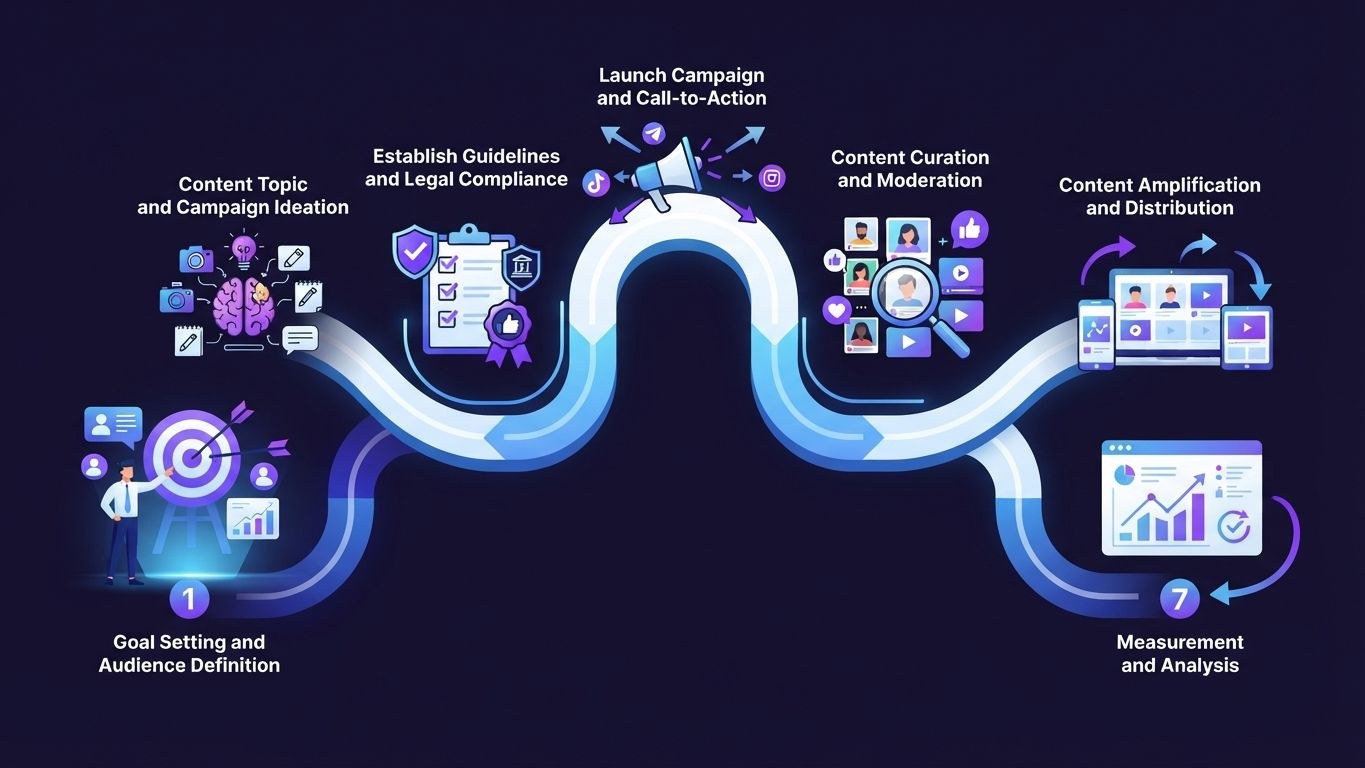
A Facebook Group works best as one node in a connected content system, not as a standalone effort. The content and conversations that happen in your Group should inform what you post on Instagram, LinkedIn, TikTok, and your blog - and vice versa.
A practical integration model looks like this: your Group generates raw insights (questions members ask, frustrations they share, wins they celebrate). You turn those insights into polished content for other channels. That polished content drives new people back to the Group for deeper conversation. The loop feeds itself.
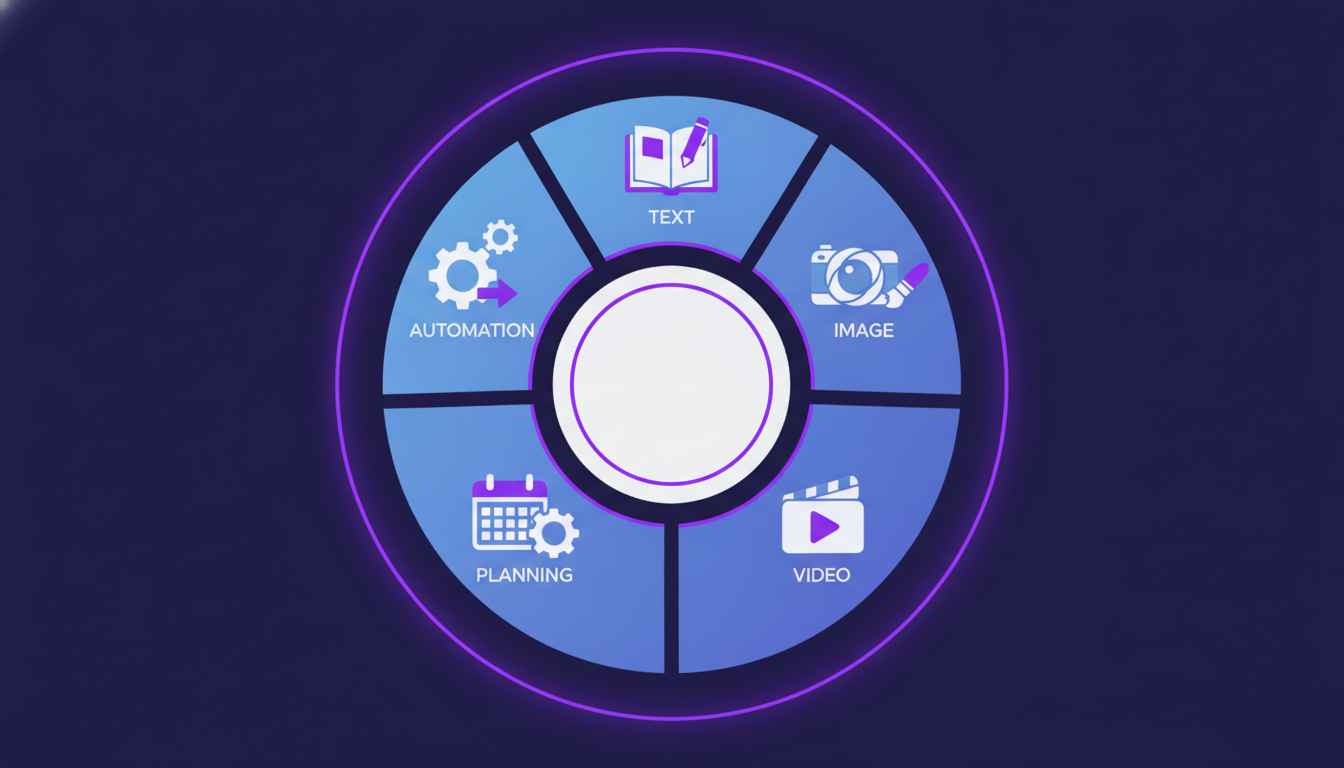
If you are already using a platform like Brandlix's AI social media tools to manage your other channels, adding your Group's content rhythm to the same calendar reduces coordination overhead significantly. You plan once, execute across all channels, and measure everything in one place.
For businesses that are also active on LinkedIn, cross-posting community highlights - with permission - between your Facebook Group and your LinkedIn content schedule can accelerate growth on both platforms simultaneously, since the audiences rarely overlap completely.
The key principle: treat your Group as a content source and a distribution channel at the same time. The members who are most active in your Group are also your most likely advocates on other platforms. Activate them deliberately.
Frequently Asked Questions
Should my Facebook Group be Public or Private?
For most businesses, a Private Group is the better choice. It creates a sense of exclusivity, encourages members to engage more openly, and lets you qualify members through join questions. Public Groups are better suited to awareness-stage communities where broad discoverability is the primary goal, such as a Group built around a topic rather than a brand.
How often should I post in my business Facebook Group?
Four to six times per week is the sweet spot for most business Groups. Fewer than three posts per week allows the Group to go quiet and members to forget about it. More than once per day can feel overwhelming and lead to notification fatigue. Consistency matters more than volume - a Group that posts reliably four times a week outperforms one that posts 10 times one week and then goes dark for two weeks.
Can I use Facebook Groups to replace email marketing?
No - and you should not try. You do not own your Facebook Group. If Facebook changes its algorithm, policies, or shuts down a Group, you lose your entire audience with no recourse. Use the Group to build relationships and capture email addresses through membership questions and free resource offers. Email remains the channel you own and control. Groups and email lists work best together, not as substitutes for each other.
How many members do I need before a Facebook Group becomes valuable for my business?
Quality matters far more than quantity. A Group of 200 highly engaged members who match your target audience will generate more business value than a Group of 5,000 passive lurkers. Focus on engagement rate and member quality from day one. Most businesses see their first tangible business results - leads, sales, product feedback - well before they reach 500 members, as long as the Group is active and the content is genuinely useful.
Facebook Groups for business are a long-term investment that compounds over time. The communities that perform best in 2026 are those that started with a clear purpose, maintained a consistent content rhythm, and treated members as partners rather than an audience. If you are ready to build yours alongside a structured social media workflow, explore how a centralized content calendar and social media autopilot tools can help you keep up the momentum without adding hours to your week.