Automated content planning is no longer a luxury reserved for enterprise marketing teams. Whether you manage one brand or twenty, automating your content calendar can cut planning time by up to 60% and dramatically improve publishing consistency across platforms. This guide breaks down exactly how it works, what tools to use, and how to build a workflow that holds up in practice.
- Automated content planning can reduce manual scheduling work by 6+ hours per week, according to HubSpot research.
- Brands that post consistently see up to 3x higher engagement rates compared to irregular publishers (Sprout Social, 2026).
- AI-assisted content calendars work best when combined with a clear content mix strategy and platform-specific formatting rules.
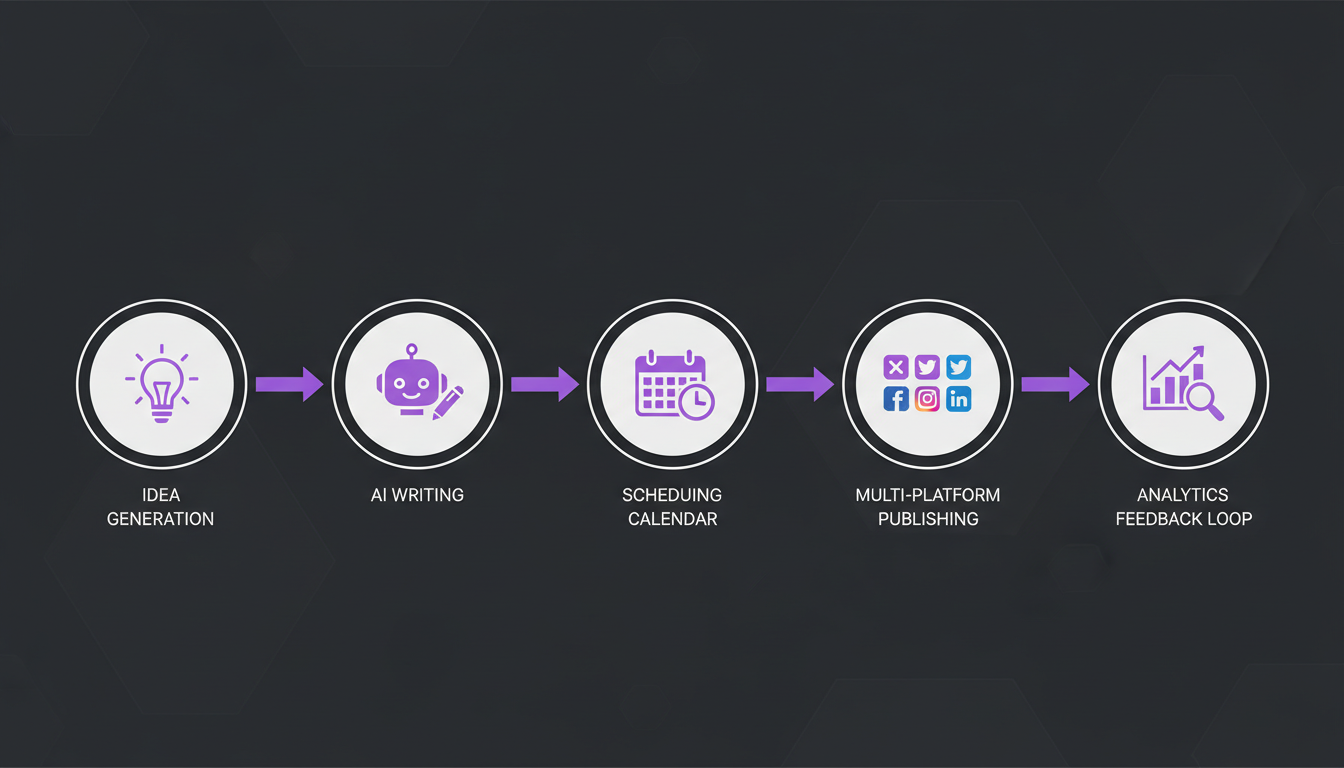
- The most effective automation setups involve three layers: content generation, scheduling, and performance feedback loops.
- You do not need to automate everything - selective automation of repetitive tasks yields the highest return on effort.
What Is Automated Content Planning and Why Does It Matter?
Automated content planning refers to using software and AI to handle the repetitive, rule-based parts of managing a content calendar - things like scheduling posts, recycling evergreen content, and distributing drafts across platforms. It frees up your mental bandwidth for the strategic work that actually requires human judgment.
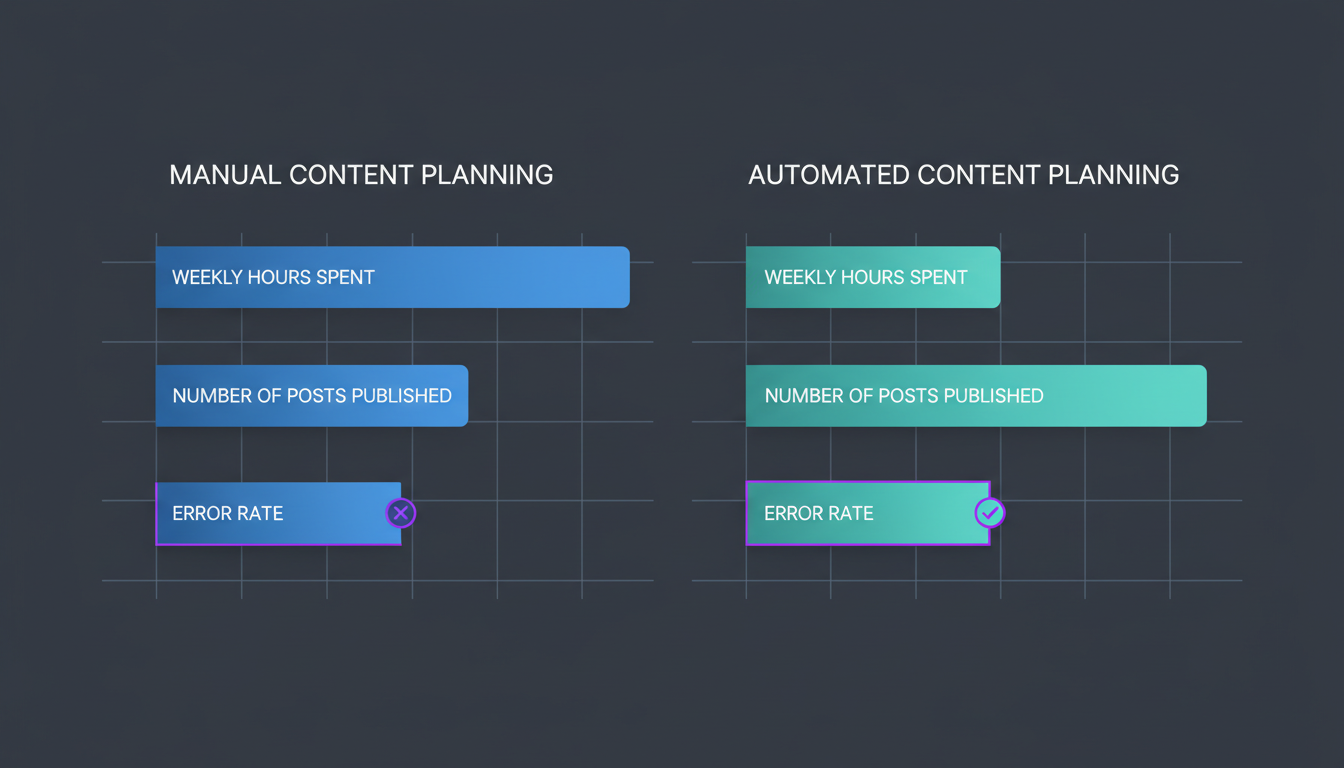
The numbers make the case clearly. According to HubSpot's 2026 State of Marketing report, marketers who use automation tools spend 6.3 fewer hours per week on manual scheduling tasks. That time compounds fast - over a year, it adds up to more than 300 hours recovered.
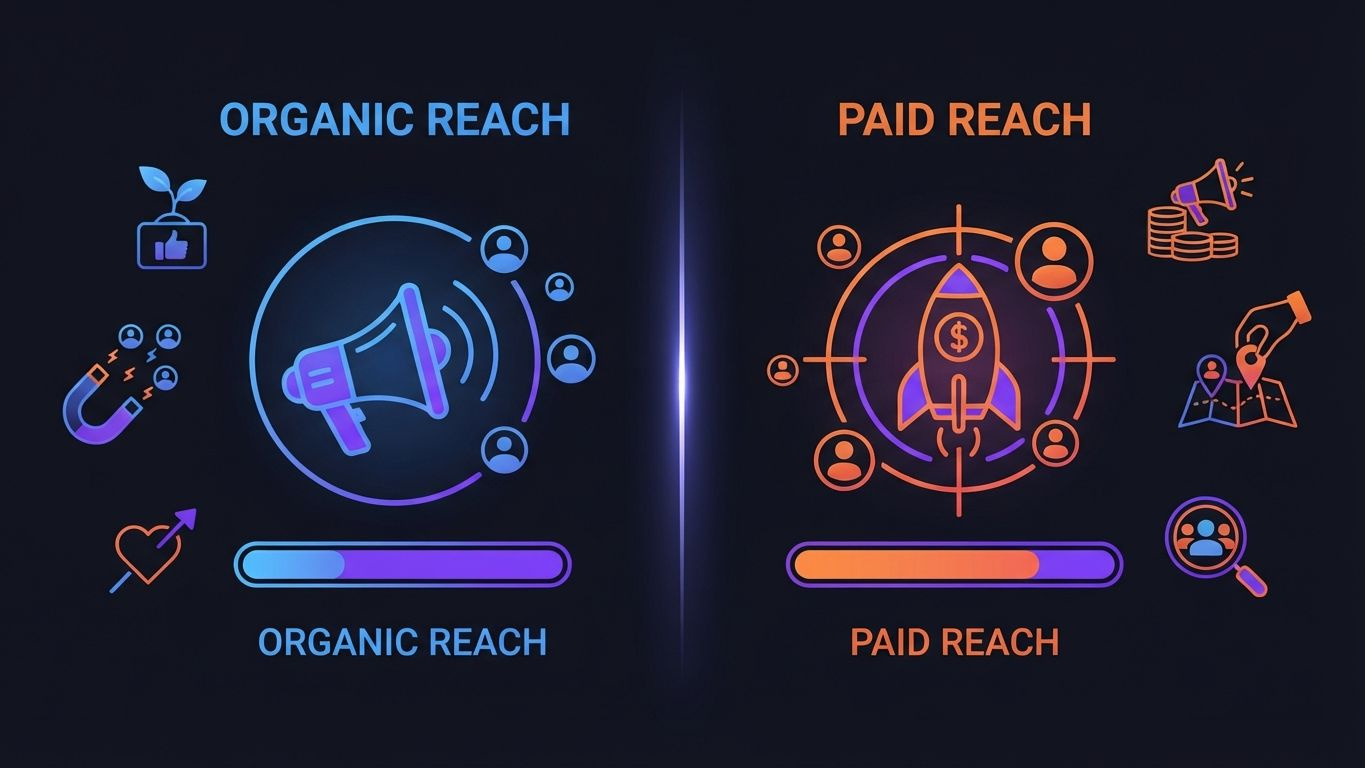
Beyond time savings, consistency is the bigger win. Algorithms on platforms like Instagram and LinkedIn actively reward accounts that publish on a predictable cadence. Sprout Social found that brands posting on a consistent schedule see 67% higher average reach compared to those with erratic publishing patterns.
Automated planning also reduces the risk of content gaps - those awkward weeks where nothing goes out because the team was too busy or too disorganized. A properly configured content calendar runs even when you are swamped with other priorities.
What Are the Core Components of an Automated Content Workflow?
A functioning automated content workflow has three distinct layers: creation, distribution, and feedback. Each layer can be partially or fully automated, depending on your team size and content volume.
Layer 1 - Content Creation Assistance
AI tools can generate first drafts, suggest caption variations, recommend hashtag sets, and even resize visuals for different platform formats. This is not about replacing copywriters. It is about eliminating the blank-page problem and speeding up iteration cycles.
- AI caption generators produce platform-adapted drafts from a single brief
- Image resizing tools automatically reformat one asset for Instagram, LinkedIn, and Pinterest specs
- Content idea engines pull trending topics from your niche and suggest a weekly posting theme
- Template libraries reduce the time needed to produce recurring content formats like tips, quotes, and product highlights
Layer 2 - Scheduling and Distribution
This is the most straightforward automation layer. You set rules for when and where content goes out, and the platform handles execution. Most scheduling tools now support bulk uploads, meaning you can plan an entire month of content in a single session.
- Build your content queue in a central calendar view
- Assign each post to one or multiple platforms
- Set publish times based on platform-specific best-time data
- Add platform-specific formatting adjustments (character limits, hashtag counts, image ratios)
- Activate auto-publish and move on
Layer 3 - Performance Feedback Loops
The least-used but arguably most powerful layer. Connecting your publishing tool to analytics allows you to automatically flag posts that underperform, identify your top content formats, and adjust your queue based on real data rather than guesswork.
Which Platforms Benefit Most from Content Automation?
Not all platforms respond equally to automated publishing. High-frequency platforms like Twitter/X and Threads benefit the most from automation, while platforms like LinkedIn reward fewer, higher-quality posts that often require more manual polish. Here is a breakdown of automation potential by platform.
| Platform | Ideal Post Frequency (weekly) | Automation Potential | Key Automation Benefit |
|---|---|---|---|
| Twitter/X | 10-20 | Very High | Queue-based drip scheduling |
| Threads | 7-14 | High | Repurposing from Twitter/X drafts |
| 4-7 | High | Visual batch scheduling | |
| 3-5 | High | Cross-post from Instagram | |
| 5-10 | High | Evergreen pin recycling | |
| 3-5 | Medium | Draft scheduling with manual review | |
| Bluesky | 5-10 | Medium | Cross-posting from Twitter/X |
| TikTok | 3-5 | Medium | Caption and hashtag automation |
| YouTube | 1-3 | Low-Medium | Description and metadata templates |
| WordPress | 1-2 | Low-Medium | Scheduled publishing and SEO prompts |
According to Hootsuite's 2026 Social Trends report, 78% of social media managers who use scheduling tools across five or more platforms report feeling significantly less overwhelmed compared to those managing platforms manually. The data points to a clear correlation between tool adoption and sustainable output.
How Do You Build an Automated Content Calendar from Scratch?
Start with your content mix, then build the calendar structure around it. Trying to automate before you have clarity on what you are publishing leads to a very efficient way of producing the wrong content.
Step 1 - Define Your Content Mix
A reliable content mix prevents your feed from becoming monotonous. The 70-20-10 rule is a proven starting point: 70% educational or entertaining content, 20% brand-specific content, and 10% promotional content. Statista data from early 2026 shows that accounts following a structured content mix retain followers at a 2.4x higher rate than accounts with no defined content strategy.
Step 2 - Map Content to Platforms
Not every piece of content belongs on every platform. A 1,500-word LinkedIn article does not translate to TikTok. Create a simple mapping document that specifies which content types go where, and use that as the logic layer for your automation rules.
Step 3 - Build Your Content Queue
Batch-create content in weekly or monthly sprints. Most teams find that setting aside four hours once a week to create and load content into a scheduling tool is far more productive than creating and publishing day by day. This approach also allows for quality review before anything goes live.
Step 4 - Set Automation Rules
Define your publish windows, recycling intervals for evergreen content, and any platform-specific rules (like adding alt text for accessibility or keeping LinkedIn posts under 1,300 characters for optimal reach). These rules become your automation logic.
Step 5 - Review and Iterate Monthly
Automation is not a set-and-forget system. Schedule a monthly 30-minute audit to check what is performing, what is stale, and what rules need updating. Teams that do this consistently see compounding improvements in content performance over time.
What Are the Most Common Mistakes in Content Automation?
The biggest mistake is automating without a strategy. Posting frequently is meaningless if the content has no coherent direction. Automation amplifies both good and bad content habits - so fixing the strategy first is non-negotiable.
Here are the mistakes that actually cost brands performance:
- Cross-posting identical content to all platforms without reformatting. Instagram captions with hashtag stacks look wrong on LinkedIn. Pinterest requires vertical images. Each platform has norms that need to be respected, even when content is repurposed.
- Ignoring engagement after auto-publishing. Automation handles output, not input. Responding to comments, DMs, and mentions still requires human attention. A 2026 Sprout Social study found that brands responding to comments within 60 minutes see 40% higher engagement on subsequent posts.
- Over-scheduling promotional content. Accounts that push promotions more than 20% of the time see measurably higher unfollow rates across all major platforms.
- Never updating evergreen content in the recycling queue. Content that was relevant in Q1 may be outdated by Q3. Build quarterly content audits into your workflow.
- Using automation as a substitute for audience research. Algorithms change. Audience preferences shift. No automation setup stays optimal without periodic human review.
According to a Content Marketing Institute survey from 2026, 54% of marketers who described their automation efforts as "ineffective" cited lack of strategy as the primary reason - not tool limitations.
How Does AI Improve Automated Content Planning Specifically?
AI adds a layer of intelligence that rule-based scheduling tools cannot match. Where traditional automation follows fixed instructions, AI-powered systems adapt based on performance data, audience signals, and contextual inputs like trending topics or seasonal events.
Predictive Scheduling
AI scheduling tools analyze your historical post performance to recommend specific publish times for each platform and audience segment. Research from Hootsuite shows that AI-optimized posting times generate 22% more impressions on average compared to generic best-time recommendations.
Content Repurposing at Scale
AI can take a single long-form piece - say, a 1,500-word blog post - and generate adapted versions for LinkedIn, a Twitter/X thread, an Instagram caption, and a Pinterest description. This kind of repurposing used to take 2-3 hours per piece. With AI assistance, it takes under 20 minutes.
Automated A/B Testing
Some platforms now allow you to submit two caption variants and automatically distribute the better-performing one based on early engagement signals. This creates a continuous optimization loop without any manual intervention after setup.
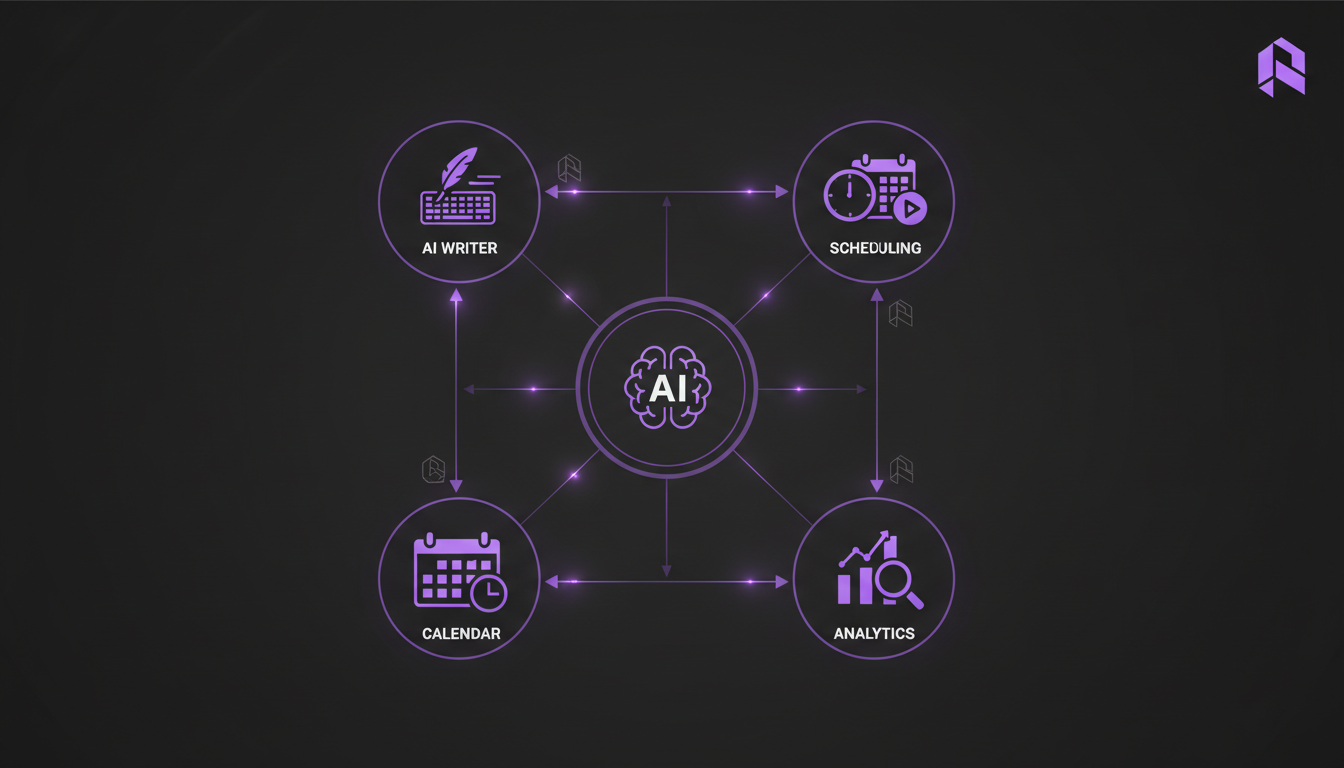
What Should You Look for in an Automated Content Planning Tool?
The best tool for your team depends on volume, platform mix, and how hands-on your content process needs to be. But there are non-negotiable features that any serious content planning tool should offer in 2026.
- Multi-platform support. Managing separate tools for each platform creates fragmentation and wastes time. Look for tools that cover at least 5-8 platforms from a single dashboard.
- Bulk scheduling. The ability to upload and schedule 30-100 posts at once is the foundation of any efficient content operation.
- Calendar view. A visual calendar makes it easy to spot gaps, imbalances in content mix, and upcoming content clusters.
- Analytics integration. Performance data should feed back into your planning - not live in a separate silo.
- Content library or asset manager. Storing approved visuals, captions, and templates in one place cuts production time significantly.
- AI assistance for captions and formatting. Native AI features for draft generation and platform-specific adaptation reduce tool-switching overhead.
- Team collaboration features. Approval workflows and comment threads inside the tool keep everyone aligned without long email chains.
- Evergreen recycling queues. The ability to automatically re-queue top-performing or time-independent posts is a high-leverage feature for consistency.
Platforms like Brandlix bundle many of these features together, which is worth considering if you manage content across multiple social channels simultaneously. The goal is to reduce the number of tabs and tools your team has to juggle daily.
According to G2 crowd data from early 2026, teams using all-in-one social management platforms report 43% faster content production cycles compared to teams using three or more separate point solutions.
How Do You Measure Whether Your Content Automation Is Working?
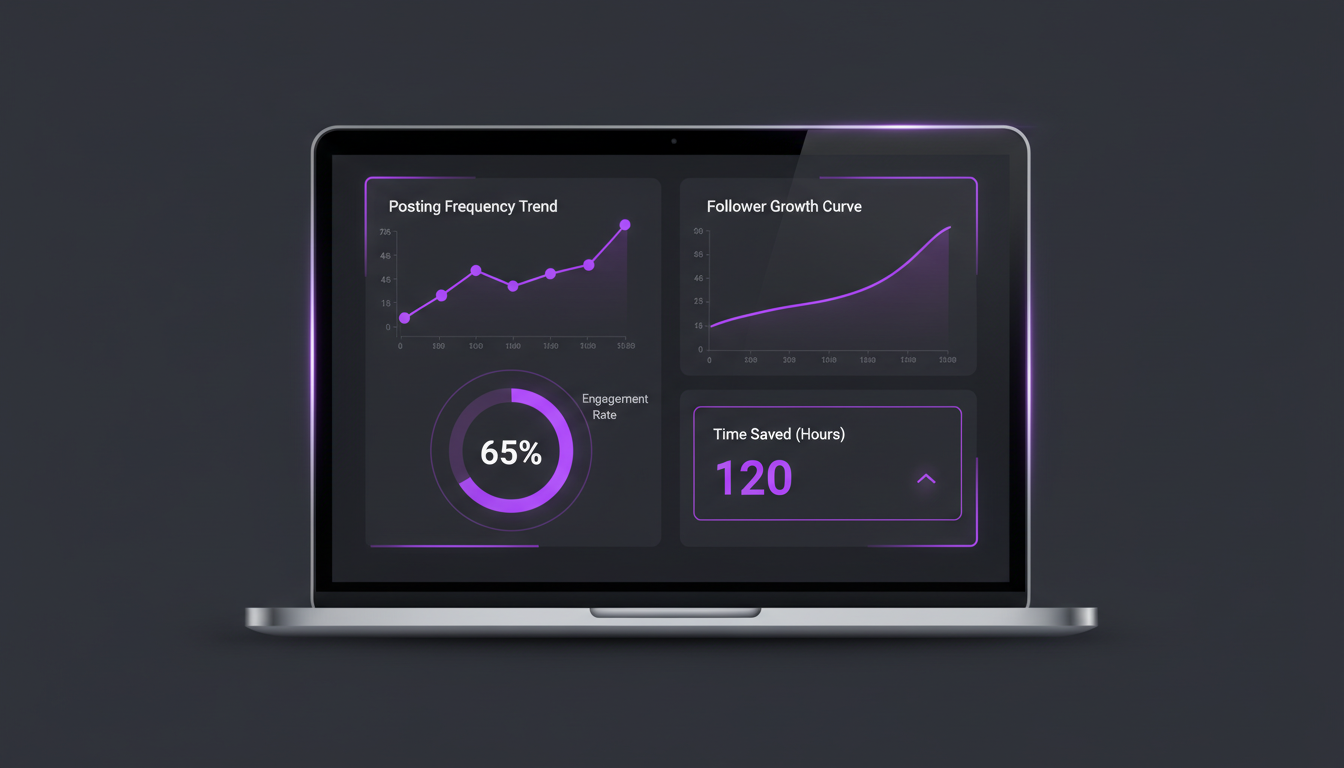
Measuring automation success goes beyond vanity metrics. The real indicators are output volume, consistency rate, engagement benchmarks, and time saved - not just follower growth.
Set up a simple monthly tracking sheet with these five metrics:
- Publishing consistency rate: What percentage of planned posts actually went live on schedule? Target 95% or higher.
- Average engagement rate by platform: Track this over time to see if automation is helping or hurting content quality.
- Content production hours per week: If this number is not decreasing over time, your automation setup needs review.
- Top-performing content formats: Which content types drive the most reach and interaction? Shift your queue to produce more of those.
- Audience growth rate: Consistent, quality content should translate into steady follower growth. According to Statista 2026 data, brands posting 5-7 times per week on Instagram grow their audiences 2.1x faster than those posting 1-2 times per week.
Review these numbers monthly. Make one change at a time so you can isolate what is actually moving the needle. Automation without measurement is just noise at scale.
Frequently Asked Questions
How much time can automated content planning actually save per week?
HubSpot's 2026 research puts the average time savings at 6.3 hours per week for marketers who use content automation tools. For teams managing five or more platforms, that number climbs to 9-11 hours weekly. The bulk of savings comes from batch scheduling, asset management, and automated cross-posting between platforms.
Does automation hurt the authenticity of social media content?
Only if it is done carelessly. Automation handles the logistics of when and where content is published - it does not have to dictate how the content sounds. Writing content in your authentic brand voice and then scheduling it automatically is no different from drafting an email and scheduling it to send later. The key is to keep the human voice in the content creation phase and use automation purely for distribution and consistency.
Which content types should you never fully automate?
Real-time content like breaking news reactions, live event commentary, and direct responses to trending conversations should always be handled manually. These require contextual judgment that automated rules cannot replicate. Similarly, any content that involves sensitive topics, brand crisis responses, or personalized customer interactions should have human review before publishing.
How often should you review and update your automated content calendar?
A monthly review is the minimum. Most high-performing teams do a light weekly check (15-20 minutes) to catch anything time-sensitive and a deeper monthly audit (60-90 minutes) to evaluate performance data and refresh the content queue. Evergreen recycling queues should be reviewed quarterly to remove outdated content and add new top performers.
Building a Sustainable Automated Content System
Automated content planning is one of the highest-leverage investments a social media team can make. The compounding effect of consistent publishing, faster production cycles, and data-driven optimization shows up clearly in reach, engagement, and audience growth over time. Start with the scheduling layer, build in a feedback loop, and expand automation from there as your team gets comfortable with the workflow.
If you want to see how a single platform can handle all ten of your social channels - from content creation to scheduling to analytics - Brandlix is worth exploring. The real goal is to spend less time managing logistics and more time creating content that actually connects with your audience.