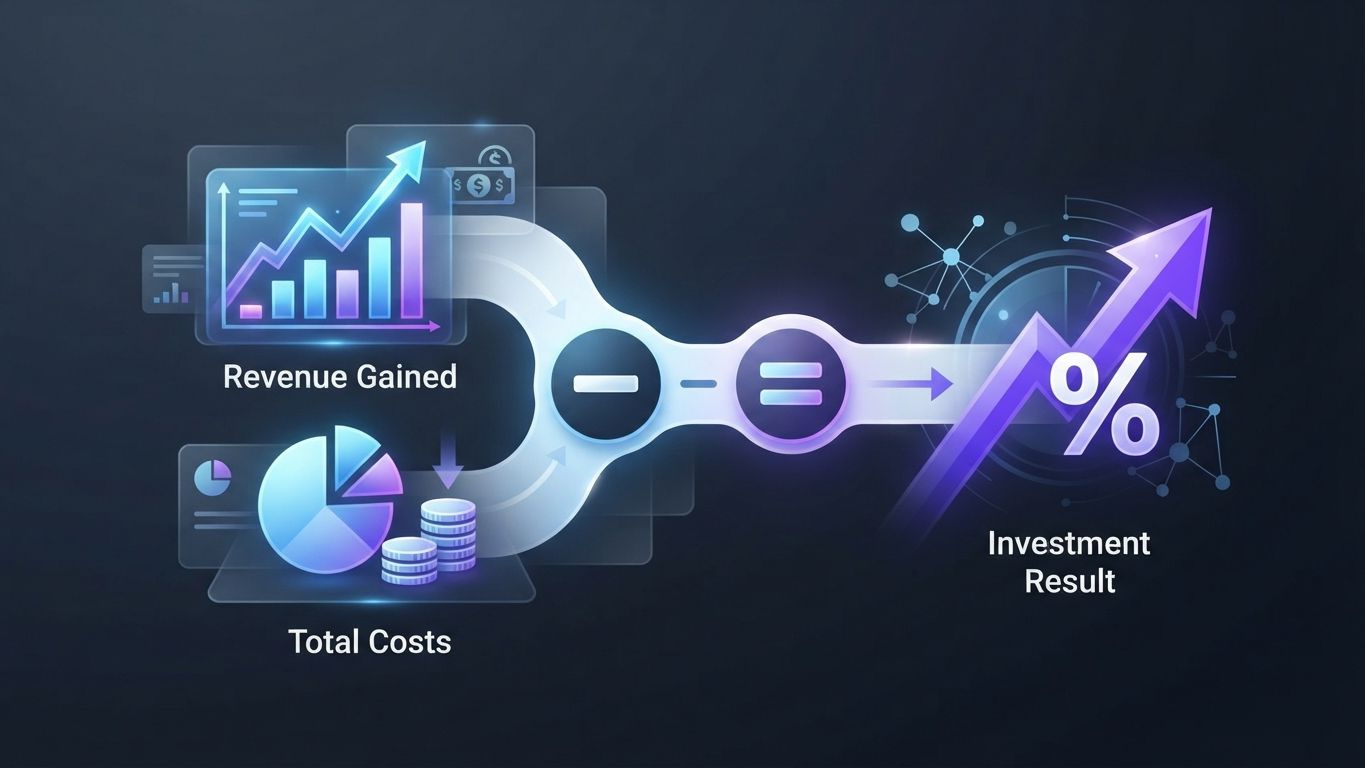
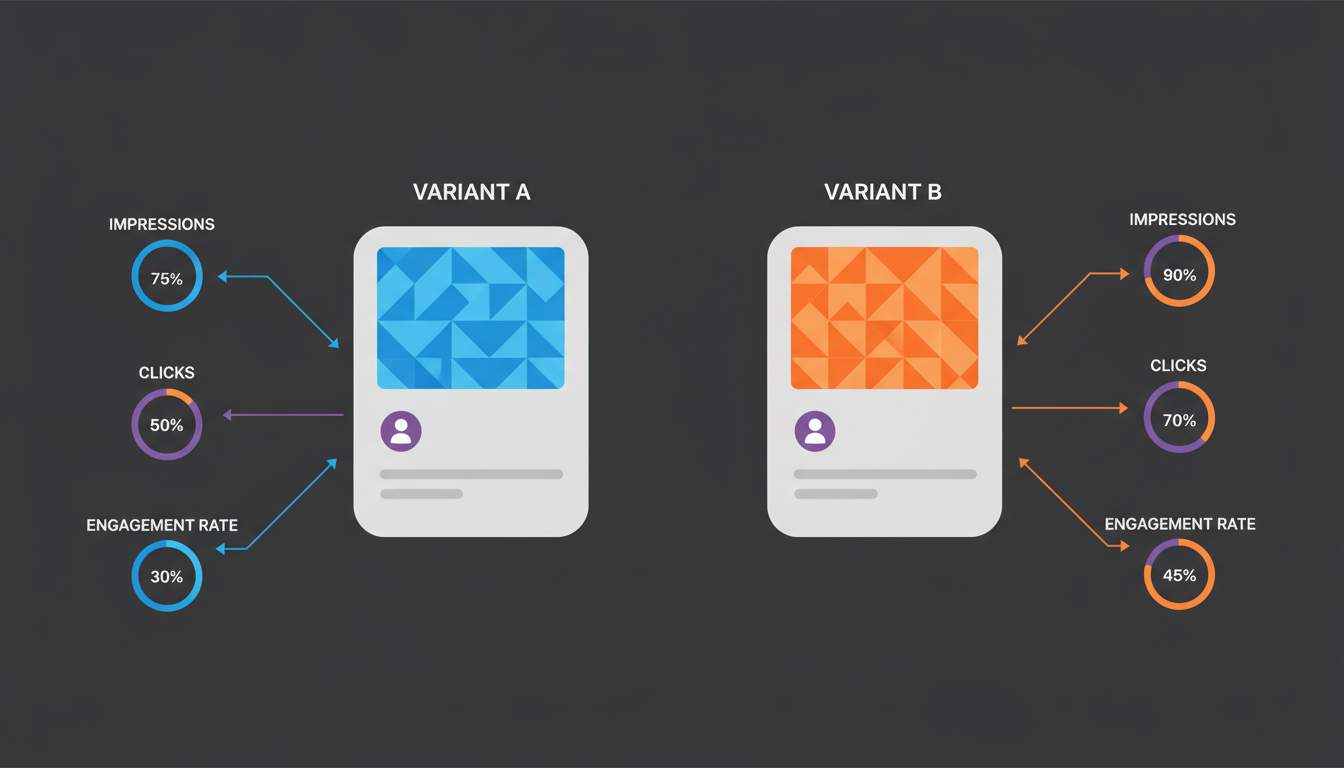
Social media conversion tracking is the practice of measuring which actions users take after seeing or clicking your content - and tying those actions back to revenue. Without it, you are spending budget on ads and organic content while having no idea what actually works. This guide walks you through everything you need to set it up correctly across all major platforms.
- Conversion tracking connects your social media activity directly to measurable business outcomes like purchases, sign-ups, and leads.
- Each platform has its own native pixel or tag - you need to install and configure them separately.
- UTM parameters are non-negotiable for accurate attribution in Google Analytics.
- Multi-touch attribution models give a more accurate picture than last-click alone.
- Regularly auditing your tracking setup prevents data gaps that silently distort your reporting.
What exactly is social media conversion tracking?
Conversion tracking on social media means recording a specific user action - a purchase, form submission, download, or sign-up - and linking it to the social media touchpoint that influenced it. It is not just about counting clicks. It is about understanding the full path from scroll to sale.
According to HubSpot's 2026 Marketing Report, only 41% of marketers say they can reliably attribute revenue to specific social media channels. That gap is expensive. Businesses that do implement proper tracking report up to 3x better return on ad spend compared to those relying on platform-native metrics alone.
The core components of any conversion tracking setup are:
- A tracking pixel or tag installed on your website
- Defined conversion events (what counts as a conversion)
- UTM parameters on every outbound link
- A reporting layer - usually Google Analytics 4 or a dedicated attribution tool
Why does conversion tracking on social media fail so often?
Most setups break down because of three recurring mistakes: missing pixels, undefined events, and inconsistent UTM tagging. Each of these creates blind spots that make your data unreliable.
Missing or misconfigured pixels are the most common culprit. A pixel that fires on the wrong pages, or not at all after a website redesign, will undercount conversions by anywhere from 20% to 60%, depending on where the break occurs. Sprout Social data from 2026 shows that 38% of companies discovered pixel errors only after a major campaign had already ended.
Undefined conversion events are the second problem. If you have not decided what a "conversion" means for your business, your tracking is meaningless. A B2B company might count a demo request. An e-commerce brand counts a purchase. A content publisher counts newsletter sign-ups. All three need different event configurations.
Inconsistent UTM tagging is the third failure point. When half your team uses utm_source=instagram and the other half uses utm_source=Instagram (capital I), Google Analytics treats these as two separate sources. You end up with fragmented data that is nearly impossible to clean retroactively.
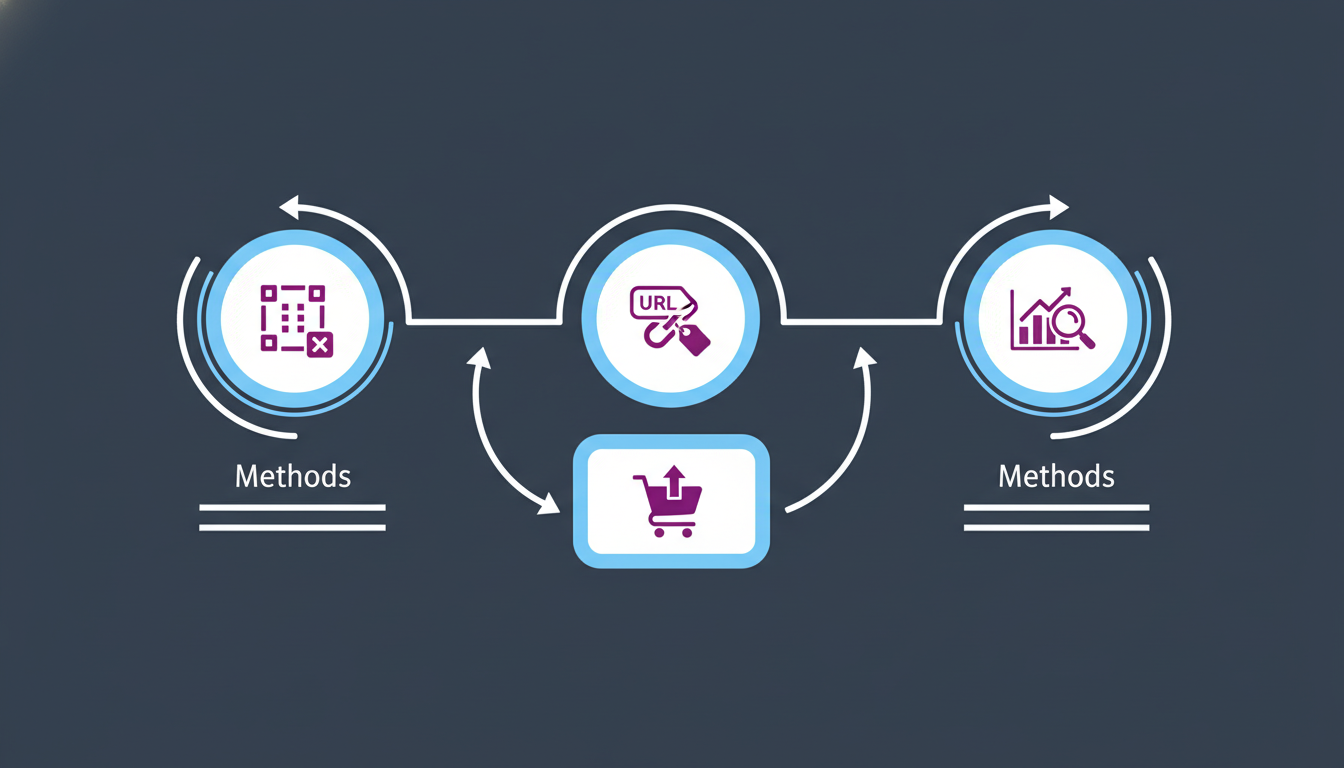
Which tracking tools work best for each platform?
The right tool depends on the platform. Native pixels give you the most granular data within each ad system, but they only tell part of the story. You need a cross-platform layer to see the full picture.
Here is a comparison of the main tracking options by platform:
| Platform | Native Tracking Tool | Key Conversion Events | Cross-Platform Compatible |
|---|---|---|---|
| Meta (Instagram & Facebook) | Meta Pixel / Conversions API | Purchase, Lead, AddToCart | Yes, via GA4 + UTM |
| LinkedIn Insight Tag | Lead Gen Form submission, Sign-up | Yes, via GA4 + UTM | |
| TikTok | TikTok Pixel / Events API | Purchase, ViewContent, CompleteRegistration | Yes, via GA4 + UTM |
| Pinterest Tag | Checkout, Lead, PageVisit | Yes, via GA4 + UTM | |
| Twitter / X | X Pixel / Conversion API | Purchase, Sign-up, Download | Yes, via GA4 + UTM |
| YouTube | Google Ads Tag / GA4 | Watch, Click, Form submit | Native to GA4 |
For organic social content - posts, stories, reels - native pixels do not help. You rely entirely on UTM parameters and GA4 to track organic-driven conversions. This is a critical distinction that many marketers overlook.
How do you set up conversion tracking step by step?
Start with Google Analytics 4 as your central reporting hub, then layer in platform-specific pixels. This order matters because GA4 is the one system that can unify data from all channels.
- Create a GA4 property for your website if you have not already. Enable enhanced measurement to auto-track clicks, scrolls, and form interactions.
- Define your conversion events in GA4. Go to Admin - Events - Mark as conversion. Common choices:
purchase,generate_lead,sign_up. - Install your platform pixels via Google Tag Manager. Using GTM means you can deploy and update tags without touching your website code.
- Build a UTM naming convention and document it. Example structure:
utm_source=instagram,utm_medium=organic_social,utm_campaign=spring_launch_2026. - Tag every outbound link from your social profiles and posts. Use a URL builder spreadsheet or a tool like Campaign URL Builder to keep it consistent.
- Set up Conversions API (CAPI) for Meta and TikTok. Browser-based pixels lose data due to ad blockers and iOS privacy restrictions. CAPI sends server-side signals that recover 15-30% of lost conversion data, according to Meta's own 2026 benchmarks.
- Test all tracking before launching any campaign. Use the Meta Events Manager, TikTok Pixel Helper, and GA4's DebugView to verify events are firing correctly.
- Create a reporting dashboard in GA4 or Looker Studio that shows conversions broken down by source/medium and campaign.
What is attribution modeling and which model should you use?
Attribution modeling is the method you use to assign credit to the touchpoints that contributed to a conversion. The model you choose directly changes how much credit each social channel appears to receive - and therefore where you invest your budget.
Last-click attribution, still the default in many tools, gives 100% of the credit to the final touchpoint before conversion. This systematically undervalues social media, which typically operates higher in the funnel. According to Hootsuite's 2026 Global Social Trends Report, brands using last-click attribution underestimate the contribution of social media by an average of 47%.
The main attribution models compared:
- Last-click: All credit goes to the last touchpoint. Simple but misleading for multi-channel journeys.
- First-click: All credit goes to the channel that first introduced the user. Better for awareness campaigns.
- Linear: Credit is split equally across all touchpoints. More balanced but still imprecise.
- Time-decay: More recent touchpoints get more credit. Good for short sales cycles.
- Data-driven (GA4 default): Uses machine learning to assign fractional credit based on actual conversion patterns. Best for accounts with sufficient data volume - typically 300+ conversions per month.
For most businesses, data-driven attribution in GA4 is the right default in 2026. If your conversion volume is too low for data-driven, use linear attribution as a fair middle ground.
How do you measure organic social conversions separately from paid?
Organic and paid social require different measurement approaches. Paid has pixel data and platform attribution. Organic relies almost entirely on UTM-tagged links in bios, link-in-bio tools, and post captions.
The challenge is that organic social posts on Instagram, TikTok, and Threads do not allow clickable links in captions. You need a structured system:
- Use a link-in-bio tool (like a custom landing page) with separate UTM-tagged links for each content category or campaign.
- For platforms that allow links in posts (LinkedIn, Pinterest, Twitter/X, Facebook), always include a UTM-tagged URL.
- Create separate UTM campaigns for organic versus paid so GA4 keeps them distinct. Example:
utm_medium=organic_socialversusutm_medium=paid_social. - Track branded search volume as a proxy metric. Strong organic social activity often drives users to search directly rather than click links - an indirect conversion signal worth monitoring.
Statista's 2026 data shows that organic social drives 18% of total e-commerce referral traffic on average, but without proper UTM tagging, most of that traffic gets misattributed to "direct" or "(not set)" in GA4, making it invisible in your reports.
What metrics actually matter in a conversion tracking report?
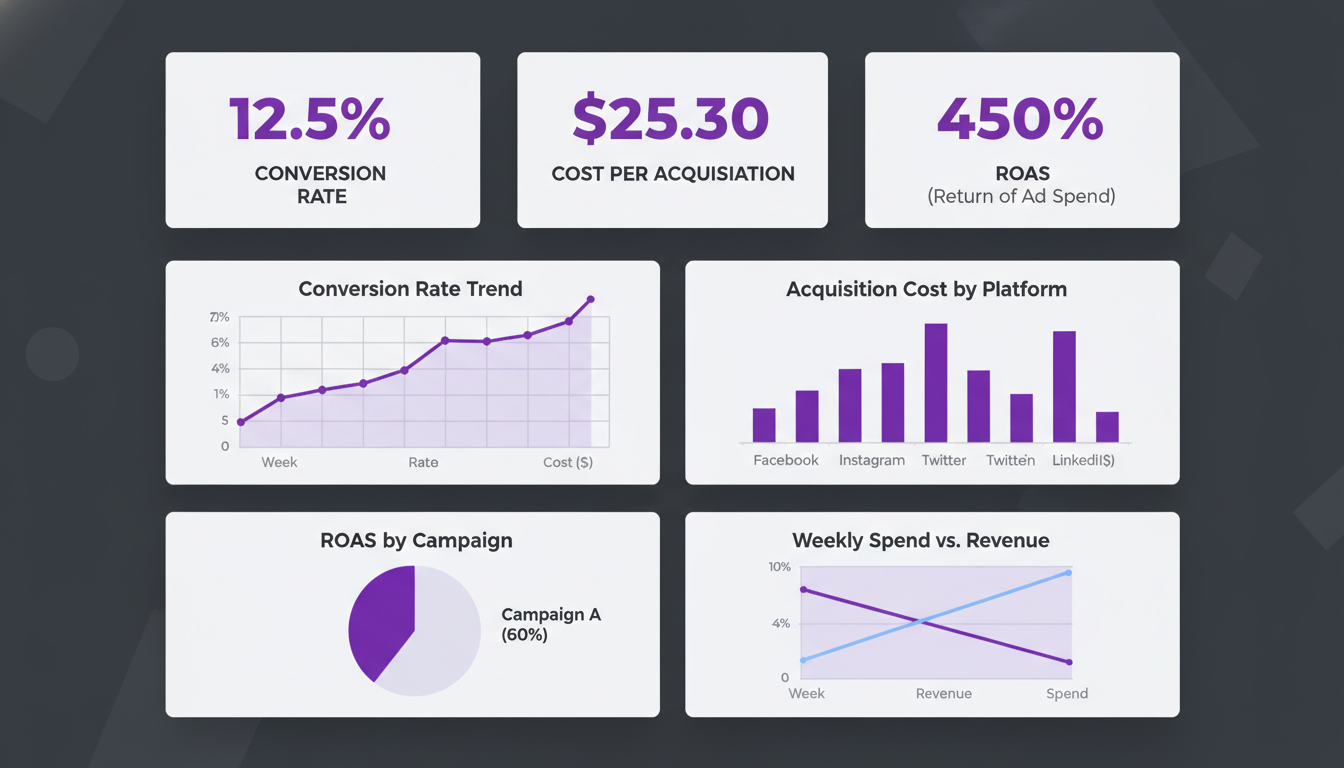
The most important metrics are conversion rate by source, cost per conversion for paid, and assisted conversions. Vanity metrics like reach and impressions belong in a separate awareness report - they should not appear alongside conversion data.
Focus on these metrics for a conversion-focused social media report:
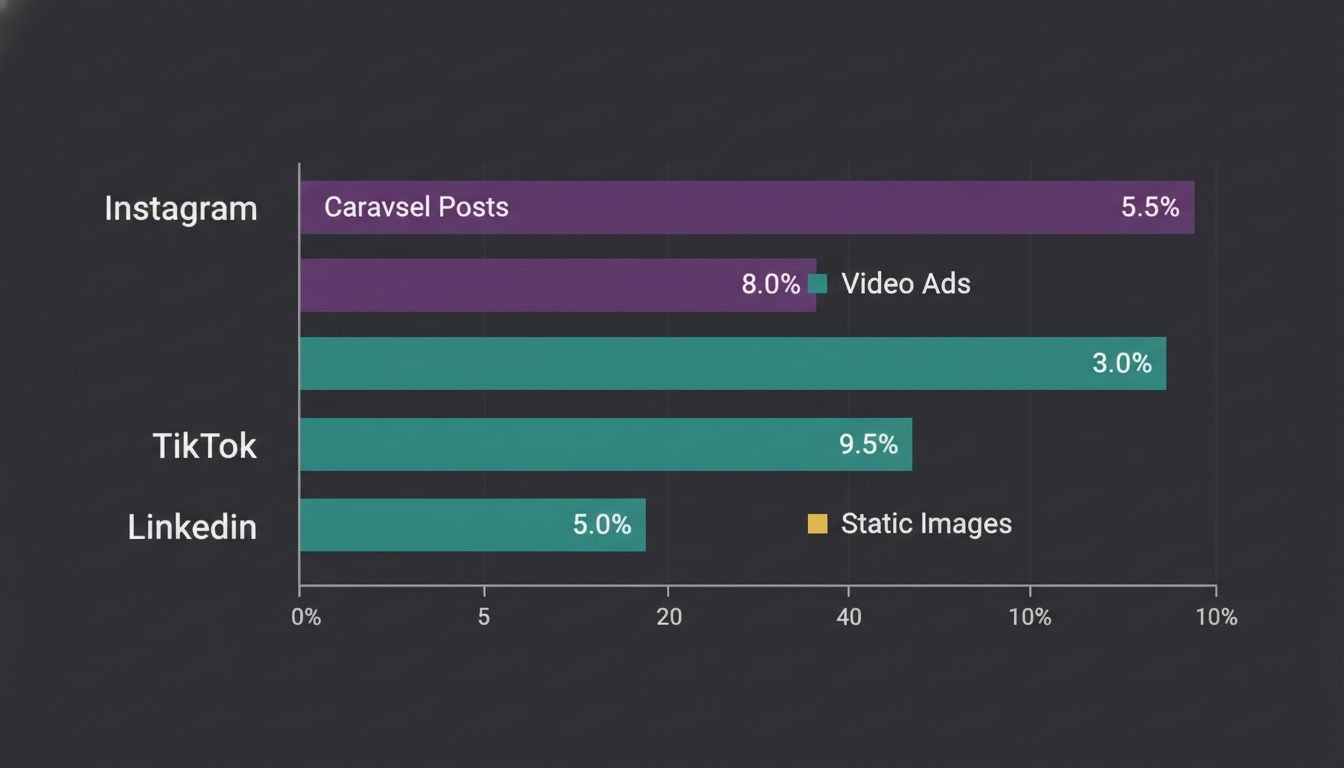
- Conversion rate by channel: What percentage of visitors from each social platform complete the desired action? LinkedIn typically converts at 2.74% for B2B, according to WordStream 2026 benchmarks.
- Cost per conversion (CPC): For paid campaigns, the total ad spend divided by the number of conversions. Compare this against your customer lifetime value.
- Assisted conversions: How many times did a social touchpoint appear in the path to conversion, even if it was not the last click? Available in GA4 under Advertising - Attribution.
- Return on ad spend (ROAS): Revenue generated divided by ad spend. For e-commerce, a ROAS below 2.5x typically signals a campaign needs restructuring.
- Time to conversion: How long does it take from a social touchpoint to a completed conversion? This tells you how long your attribution window needs to be.
A note on attribution windows: Meta's default is a 7-day click and 1-day view window. For B2B products with longer sales cycles, extending the click window to 28 days captures significantly more assisted conversions. Sprout Social reports that 62% of B2B social conversions happen more than 7 days after the initial click.
How do you maintain and audit your conversion tracking setup?
A tracking setup that is not regularly audited degrades over time. Website updates, new URL structures, plugin changes, and platform API updates all create new ways for your tracking to silently break.
Run a full tracking audit on this schedule:
- Weekly: Check GA4 for anomalies in conversion volume. A sudden 40% drop usually signals a broken tag, not a business problem.
- Monthly: Review UTM coverage. Open your GA4 source/medium report and check how much traffic is landing in "direct/(none)" - a high percentage (above 15%) suggests missing UTM tags.
- Quarterly: Test all pixels using platform diagnostic tools. Meta Events Manager, TikTok Pixel Helper (Chrome extension), and LinkedIn's Insight Tag Checker all provide event-level verification.
- After every major website change: Any new checkout flow, landing page, or URL restructure needs immediate tracking verification before traffic is sent to it.
Tools like Brandlix help teams maintain UTM consistency at scale by applying standardized tracking parameters automatically when scheduling posts across multiple platforms. Fewer manual steps means fewer tagging errors.
Frequently Asked Questions
Do I need a pixel on my website for every social media platform I use?
Not necessarily for every platform, but for any platform where you run paid ads, yes - you need that platform's pixel installed. For organic-only channels, UTM parameters and GA4 are sufficient. Focus your pixel installations on the platforms where you actively spend ad budget.
How does iOS privacy tracking affect social media conversion tracking?
Apple's App Tracking Transparency (ATT) framework, expanded further in 2026, has reduced the match rate of browser-based pixels by roughly 30-40% on iOS devices. The solution is to implement server-side tracking via Conversions API (Meta) or Events API (TikTok), which sends conversion data directly from your server rather than the user's browser, bypassing the iOS restriction.
What is the difference between a conversion and a micro-conversion?
A conversion is your primary goal - usually a purchase, demo booking, or lead form submission. A micro-conversion is a smaller action that indicates intent: a product page view, a video watched to 75%, or an "add to cart" event. Tracking micro-conversions gives you data to optimize campaigns even when primary conversion volume is too low for statistical significance.
Can I track conversions from social media without running paid ads?
Yes. UTM parameters on your organic post links, combined with GA4, let you track which organic social posts, channels, and campaigns are driving website conversions. You will not have pixel-based data, but GA4 session and conversion data is fully available for organic traffic as long as your links are properly tagged.
Conversion tracking is not a one-time setup - it is an ongoing discipline. The brands that consistently outperform their peers on social media ROI are not necessarily spending more; they are measuring better. Start with GA4 and UTM parameters, add platform pixels where you run paid ads, and commit to a regular audit schedule. Once you can see which content and channels actually drive conversions, every budget decision becomes clearer and more defensible.