AI image generation for social media has moved from novelty to daily tool. You type a description, get a usable visual in seconds, and skip the hunt through stock libraries. But speed alone does not build a brand. This guide shows you where generated images work, where they backfire, and how to build a workflow that scales from one person to a full team.
- AI images work best for abstract concepts, backgrounds, illustrations and variations. They work worst for real products, real people and anything that must be factually exact.
- A repeatable prompt template (subject, style, palette, composition, exclusions) matters more than the choice of tool.
- Brand consistency comes from a written visual style guide and a human review step, not from the model itself.
- Check licensing terms, disclosure rules and platform labelling requirements before you publish at scale.
- Measure generated visuals against your own baseline, post by post, instead of trusting general claims.
What is AI image generation for social media and where does it fit?
AI image generation means creating pictures from a text description, or from a reference image plus text, using a trained model. For social media it fits wherever you need many visuals quickly: post backgrounds, concept illustrations, carousel covers, blog thumbnails and campaign mood boards. It does not replace photography of your real products or team.
Think of it as a fast illustrator who has never seen your product. It can paint a convincing scene, but it cannot know what your packaging looks like or how your office is laid out. That gap defines almost every good and bad use case.
Where it works well
- Abstract and conceptual topics: a post about "burnout" or "data privacy" rarely has a good stock photo. A generated illustration fills that hole.
- Backgrounds and textures: gradients, patterns and scenes you place text or a product cut-out on.
- Variations for testing: five versions of a hook visual in the time one photo shoot takes to brief.
- Editorial illustration: blog covers, newsletter headers and LinkedIn carousels.
Where it fails
- Real products: the model invents details. A generated sneaker is not your sneaker, and customers notice.
- Real people and testimonials: a fake face next to a real quote damages trust.
- Text inside images: many models still garble lettering. Add text in a design tool afterwards.
- Regulated claims: before-and-after visuals for health, finance or beauty can mislead and may breach advertising rules.
Which AI image generator should you choose?
Choose by workflow, not by hype. The right tool is the one that fits your volume, your need for brand control, your licensing comfort and your team setup. A solo creator needs speed and a low learning curve. An agency or enterprise needs shared assets, permissions and clear commercial terms.
Specific model names and pricing change every few months, so compare the categories below and test two or three tools on your own real briefs before committing.
| Tool type | Best for | Main trade-off |
|---|---|---|
| Standalone generative model (web app or chat-based) | Highest creative range, one-off hero visuals | Style drifts between sessions unless you reuse prompts and references |
| Image generation inside a design tool | Editing, resizing and adding text in one place | Fewer fine-grained controls over the model |
| Generator built into a social media platform | Fast creation and direct publishing | Less control over style, and your output depends on that platform's roadmap |
| Self-hosted or fine-tuned model | Strong brand consistency, custom styles | Needs technical skills and ongoing maintenance |
Questions to ask before you commit
- Do the terms allow commercial use, including paid ads?
- Can you upload brand references or reuse a saved style?
- What happens to your prompts and uploaded files? Are they used for training?
- Can several people share prompts, assets and approvals?
- Does the tool export in the aspect ratios you publish in?
How do you write prompts that produce on-brand images?
Use a fixed prompt structure: subject, style, color palette, composition, mood and exclusions. A template turns image generation from a lottery into a process, and it lets teammates reproduce each other's results. The prompt is your creative brief, so write it with the same care.
Here is a template you can copy and adapt.
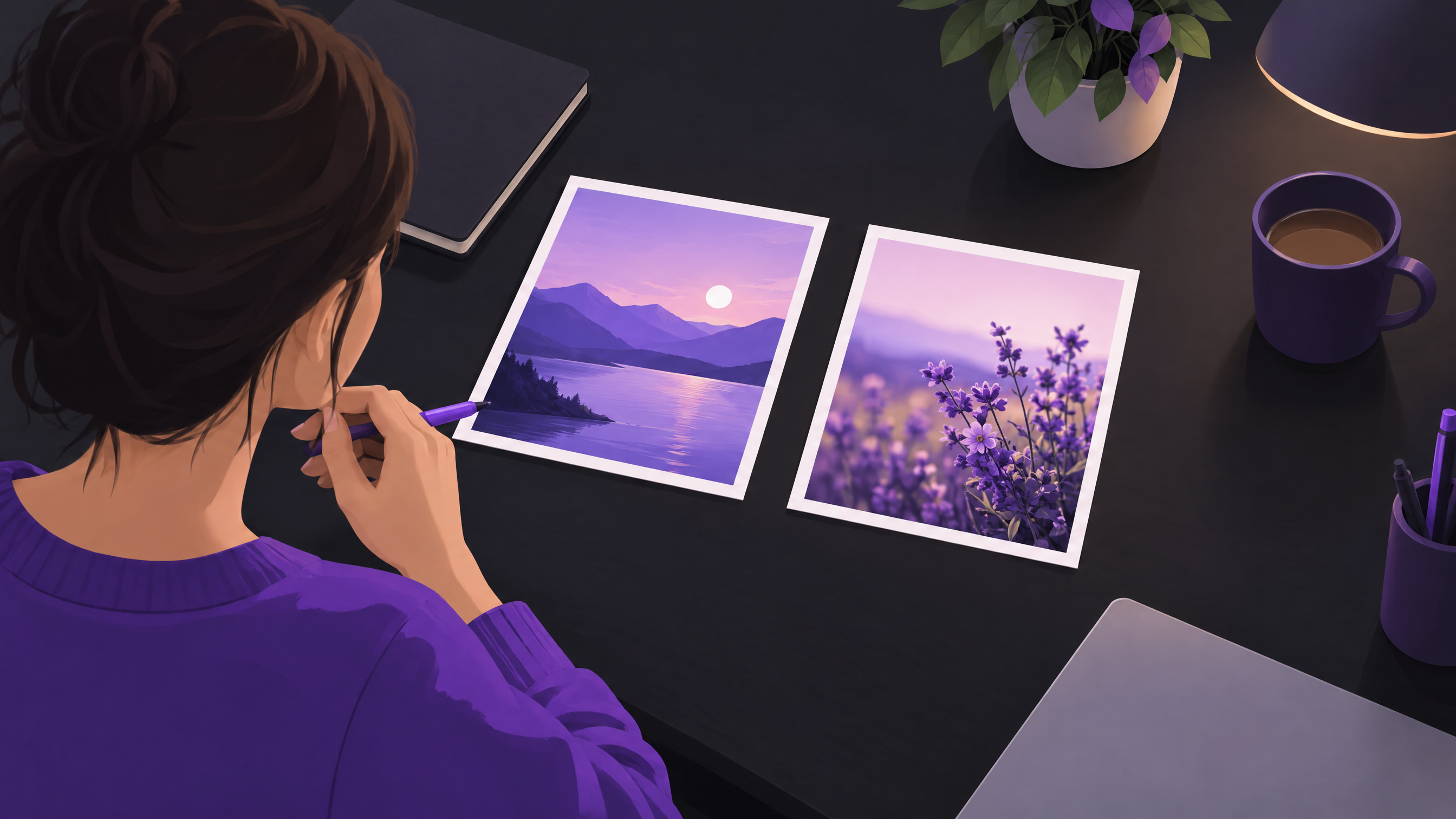
- Subject: what is in the image, in one concrete sentence. "A freelance designer reviewing printed mockups at a wooden desk."
- Style: the medium and look. "Flat editorial illustration, soft grain, no outlines."
- Palette: name your brand colors in words or hex codes. "Deep purple, warm cream and a single coral accent."
- Composition: framing and space. "Wide shot, subject in the lower right, empty space top left for a headline."
- Mood: the feeling. "Calm, focused, optimistic."
- Exclusions: what must not appear. "No text, no logos, no hands close-up, no watermarks."
The composition line is the one most people skip, and it is the one that saves the most editing time. If you know a headline will sit on the image, ask for the empty space up front.
Prompting habits that save time
- Change one variable at a time when you iterate, so you learn what caused the difference.
- Save winning prompts in a shared document with the resulting image next to them.
- Generate in the final aspect ratio from the start. Cropping a square into a vertical story usually cuts the subject.
- Use a reference image for style where the tool allows it. Words describe style poorly; examples describe it well.
How do you keep AI visuals consistent with your brand?
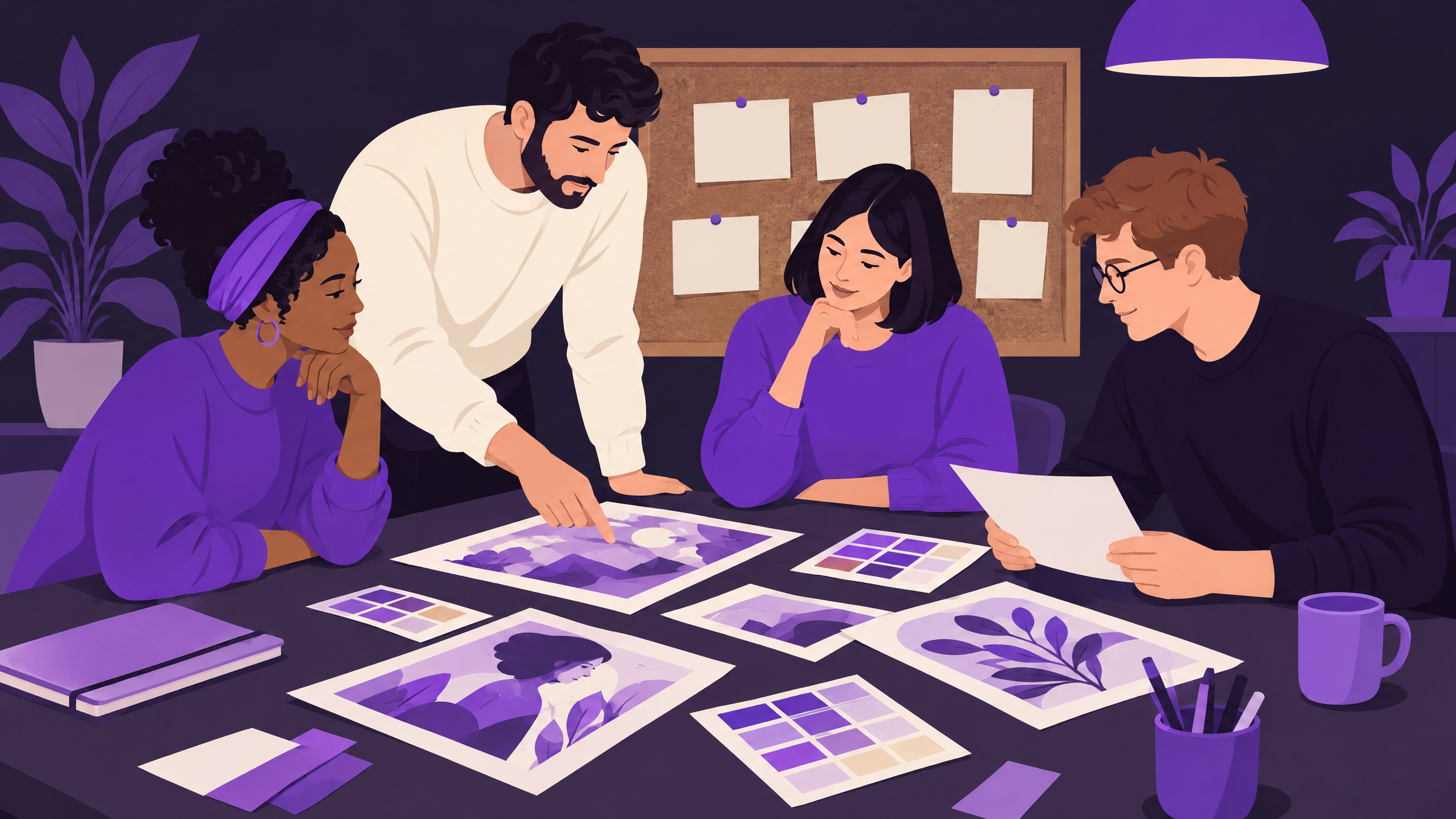
Consistency comes from a written visual style guide that every prompt references, plus a human approval step before anything is scheduled. The model will not remember your brand between sessions. You have to carry the brand into every request through palette, style, composition rules and reference images.
This is where team size changes the approach. A solo creator can keep a single note with three or four reusable prompts. An agency or enterprise needs a documented system, because five people prompting freely will produce five different looks. For more on holding a visual identity together, see our guide to brand voice and how it extends into visuals.
A lightweight visual style guide for AI images
- Approved styles: two or three, such as "flat illustration" and "soft 3D", and a list of styles that are off limits.
- Palette: brand colors plus how much of each to use.
- Subjects: what you show (workspaces, abstract shapes) and what you avoid (generic handshakes, glowing brains, robot hands).
- Reference set: five to ten past images that nail the look.
- Review checklist: hands, text artifacts, odd objects, cultural fit, brand colors.
Who does what in a team
| Role | Responsibility |
|---|---|
| Creator or strategist | Writes the brief and the first prompt |
| Designer | Refines output, adds text and logo, checks brand fit |
| Brand or legal reviewer | Approves sensitive topics, claims and disclosure |
| Social manager | Adapts sizes, schedules and monitors results |
One person can hold all four roles. The roles still exist; you just switch hats, and the checklist keeps you honest.
What are the legal and ethical risks of AI-generated images?
The main risks are unclear copyright status, licensing terms that restrict commercial use, resemblance to real people or protected works, and misleading audiences. Rules differ by country and change quickly, so treat this as a checklist for questions to settle, and ask a lawyer where the stakes are high.
Copyright treatment of AI output varies between jurisdictions. In several markets, purely machine-generated images may receive weaker protection than human-made work, which matters if you want to stop others from reusing your visuals. Check the rules where you operate and where your audience lives.
A practical risk checklist
- Read the commercial terms of each tool, including any limits on ads, merchandise or resale.
- Avoid prompting in the style of a named living artist. It invites complaints, and it is poor practice.
- Never generate images of real people without their consent, and never use fake people as customers or employees.
- Keep records of prompts, tool, date and edits for important campaigns.
- Follow platform labelling rules. Major platforms have introduced ways to label AI-generated content, and some require you to use them for realistic imagery. Check the current policy of each network before you publish.
- Check industry rules for health, finance, children and political content, where misleading visuals carry extra risk.
Should you disclose AI use?
When an image could be mistaken for a real photograph of a real event, person or product, disclose it. For clearly stylized illustration, disclosure is a judgment call. Audiences forgive obvious illustration and punish deception, so lean toward openness when in doubt.
How do you turn AI images into a repeatable social media workflow?
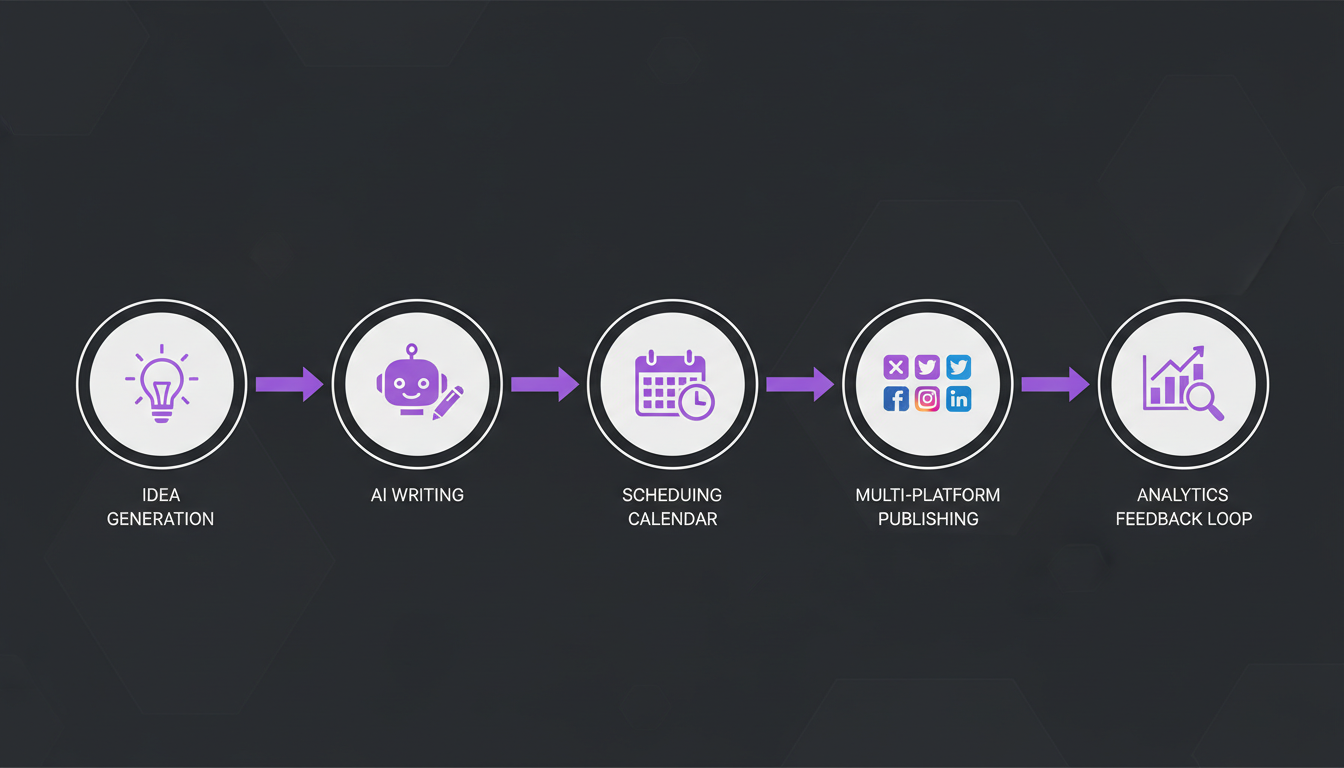
Build the process around your content plan, not around the tool. Decide the post idea and format first, generate visuals second, review third, schedule last. This order stops you from posting pretty images that carry no message, which is the most common failure of AI-assisted feeds.
- Start from the content calendar. List the posts for the week and mark which ones need a custom visual. A solid content calendar makes this a five-minute task.
- Write one brief per post. Message, audience, platform, format, and where the text will sit.
- Generate three to five options using your prompt template and brand references.
- Select and edit. Fix artifacts, add headline, logo and alt text in a design tool.
- Run the review checklist. Brand colors, odd details, claims, disclosure.
- Resize for each channel. A vertical Story or Reel cover, a square feed post and a wide LinkedIn or blog image need different framing.
- Schedule and track. Tag each post as AI-generated, illustrated or photographed so you can compare results later.
If you generate and schedule in separate tools, you will lose time moving files around. A platform like Brandlix lets you create visuals with AI social media tools, then plan and publish from the same place, which cuts the handoffs that slow teams down.
Format fit by platform
| Platform and format | Where AI images help | Watch out for |
|---|---|---|
| Instagram carousels and Reels covers | Consistent cover style across a series | Cropping in the grid; keep key elements centered |
| LinkedIn posts and documents | Concept illustrations for abstract business topics | Overly glossy or generic visuals feel off for a professional audience |
| TikTok and short video | Backgrounds, thumbnails and b-roll stills | Audiences expect authenticity; generated faces can feel uncanny |
| Pinterest Pins | Lifestyle and mood scenes, vertical layouts | Pins that promise a real product but show an invented one |
| Blog and WordPress headers | Editorial illustration matched to each post | Heavy files; compress before upload |
For Instagram specifically, pair your visuals with a dependable Instagram scheduling tool so the look you worked on arrives at the right moment, in the right order.
How do you measure whether AI images actually work?
Compare AI-generated posts against your own baseline for the same format and topic, using the same metrics you track anyway: saves, shares, comments, click-throughs and watch time. General claims about AI visuals do not apply to your audience. Your own comparison does.
Suppose a brand posts weekly carousels. For six weeks it alternates covers: one illustrated by hand, one generated. After the test it checks saves and shares per post for each group. Even a small test like this tells you more than any headline about "AI content performance".
A simple testing setup
- Pick one format and one platform to keep the test clean.
- Change only the visual source: photo, stock, illustration or AI.
- Run at least several posts per variant before drawing a conclusion.
- Record the result next to the prompt and visual style used.
- Keep what wins, retire what does not, and repeat quarterly.
Your social media analytics view should let you filter by tag or content type. If it does not, keep a simple spreadsheet. Also watch qualitative signals: comments that mention the visual, questions about whether it is real, or a drop in trust after a particularly artificial image.
What mistakes should you avoid with AI-generated visuals?
The biggest mistakes are publishing unreviewed output, using generated images where authenticity matters, and letting every post look like a different brand. Most of them come from treating the tool as a vending machine instead of one step in a creative process with a human decision at the end.
- Skipping the zoom-in check. Look at hands, background text, reflections and small objects at full size before you post.
- Using the same generic look as everyone else. Glowing blue brains and robot handshakes are instantly forgettable. Define a distinctive style instead.
- Replacing proof with illustration. If a post claims results, show real screenshots, real products or real people.
- Ignoring accessibility. Write alt text, keep contrast high and do not rely on text baked into images alone.
- Over-producing. Because images are cheap, feeds fill up with filler. Fewer, better visuals tied to a clear message win.
- Forgetting the audience context. A playful illustration may suit a creative brand and feel wrong for a bank or a crisis response.
As volume grows, consider letting automation handle the repetitive parts. An AI social media agent can draft posts and suggest visuals from your brand rules, while you keep final approval. Related concepts such as content automation help you decide what to hand off and what to keep human.
Frequently Asked Questions
Can I use AI-generated images commercially on social media?
Often yes, but it depends on the tool's terms. Read the license for your plan, check any limits on ads or resale, and keep records of prompts and edits for important campaigns. Copyright protection for purely generated images also varies by country, so confirm the rules where you publish.
Do I have to label AI-generated images?
Some platforms offer or require AI labels, especially for realistic imagery that could be mistaken for a real event or person. Rules change, so check each network's current policy. Regardless of requirements, disclose when a generated image could deceive your audience.
How do I stop AI images from looking generic?
Define a specific visual style in writing, use reference images, name your exact palette and composition, and exclude the usual clichés. Then edit the output in a design tool and add your own typography and logo. A distinctive style is a decision you make, not something the model supplies.
Should AI images replace photography and stock photos?
No, they complement them. Use AI for concepts, backgrounds and variations. Keep real photography for products, people, behind-the-scenes content and anything that serves as proof. A mixed approach protects trust while still saving production time.
AI image generation pays off when it sits inside a clear process: a brief, a prompt template, a style guide, a review step and honest measurement. Start with one format, test it against your baseline and expand from there. If you want to create, plan and publish from one place, try Brandlix and see how much of the workflow you can run in a single dashboard.